What does book design mean when layouts are no longer created
page by page? When content updates automatically, systems make
decisions, and design works through rules, structures, and
algorithms? And what role does print play when web, code, and
analog techniques intersect?
The project explores the tension between automated work
processes and contemporary book design. Instead of traditional
layout software, the focus lies on systemic thinking, fixed
rules, and networked content. Automation enables new forms of
production: content can be updated live, publications emerge
from dynamic sources, and print often becomes a by-product of a
larger, hybrid system.
Drawing on historical and current forms of automation—from lead
typesetting to digital standards and web-to-print—the project
examines both visible and invisible design rules. Topics such as
hybrid publishing, print on demand, system design, Paged.js,
open source, and AI form the basis for experimental and
systematic approaches.
The resulting works highlight interfaces and symbioses between
web-based design and analog techniques. Print is not replaced,
but recontextualized.
The publications consciously work with processes, formats, and
limitations. Automation is understood not only as a tool for
efficiency, but also as a creative and artistic method to
reveal, question, and rethink existing systems.
What?
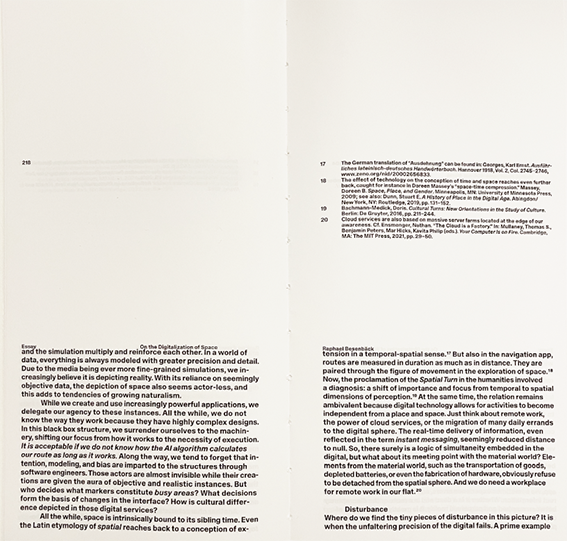
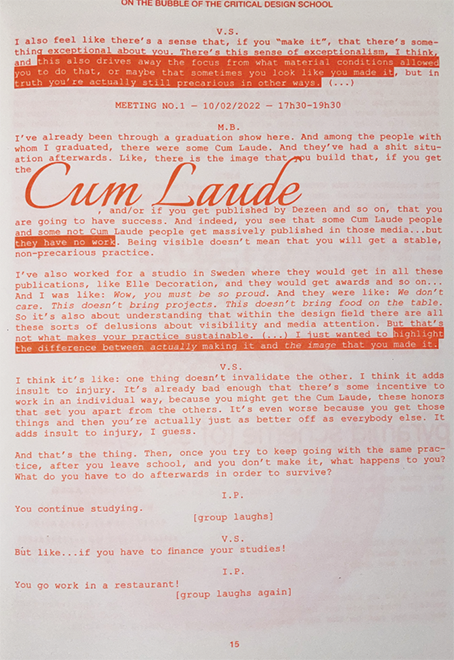
The website & book present all projects created during the
seminar—eight different positions on automated publishing that
frame and expand the course chapters. Within these chapters, the
course content is reflected and complemented by exercises and
selected example outcomes.
The goal is to offer readers an easy and low-threshold
introduction to the topics covered in the seminar—mirroring our
own learning experience.
part 1
course documentation
Lesson 15.10.25
The Automatic Book
Course description
In this seminar, we examine the constitution of the book under
the conditions of automated processes. What design is
appropriate for current knowledge production today?
Automation has shaped book design since Gutenberg: from lead
typesetting, which determined font sizes and grids, to
phototypesetting and desktop publishing, which opened up new
freedoms but was also shaped by grid principles and software
logic.
For centuries, the typographic grid determined the order of
text, images, and white space—while today, digital standards
such as Unicode and EPUB define which characters can be
displayed and how texts are structured and distributed on
platforms.
Each medium and each technology brings its own logic,
structures, aesthetics (and biases). Which of these fit with our
viewing habits today? Which design rules will still be relevant
in the future?
In pairs, we analyze and question the visible and invisible
rules, systems, and algorithms of book production and
publication. In the context of current developments such as
print on demand, e.g.:
www.apod.li and
web-to-print,
e.g.:
https://prepostprint.org/resources/,
we explore new possibilities for algorithmic, systematic
design.
Practical experiments result in books and publications that
address, challenge, or outsmart the automation of book design,
production, and distribution. Each group develops the “content”
individually through a systematic process according to
self-imposed rules on a topic of their choice.
Thus, it is not only about the efficient implementation of
layouts and print templates, but we also use the formats,
processes, and restrictions creatively and artistically.
Systematic approaches have been popular in layout design
since the mid-20th century, when some creative designers
began to design layouts based on grids and the variation of
visual characteristics of typographic elements.
1960s – Rule-based design: Karl Gerstner developed
combinatorial layout methods and later formalized them for
computers (Compendium for Literates, 1974).
Conceptual instructions: Sol LeWitt (1971) used formal rules
to design an art catalog.
Algorithmic typography: Knuth & Plass (1981) optimized page
breaks; Knuth developed Metafont (1982) and TeX (1991) for
parametric, structured book production.
Automated layouts: Muriel Cooper and MIT students
experimented with computer-generated layouts (1980s–1990s).
Interactive books: John Maeda's Reactive Book series (1990s)
dynamically controlled graphics through user input.
Print is not disappearing, but mutating. Digital media are
changing the production, distribution, and perception of
print, but print remains a culturally charged, resistant,
and haptic medium. The “post-digital” publication
deliberately exploits the tension between the digital and
physical worlds.
New publishing practices: print-on-demand, DIY zines,
risography, and digital typography
Modularity, versioning, non-linearity: Texts and
publications are designed in such a way that they can
unfold, grow, and change
Collaboration, participation, and peer communities are
important—readers and other stakeholders are seen not only
as recipients, but as part of the process
Print on demand
Books are only printed when ordered → no storage costs,
small print runs possible.
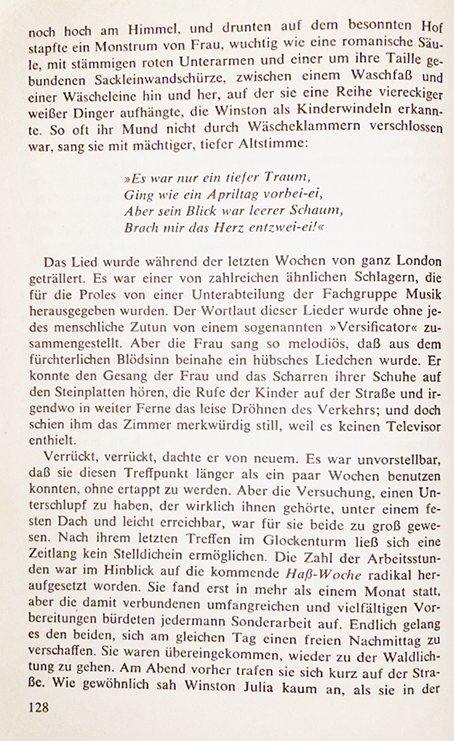
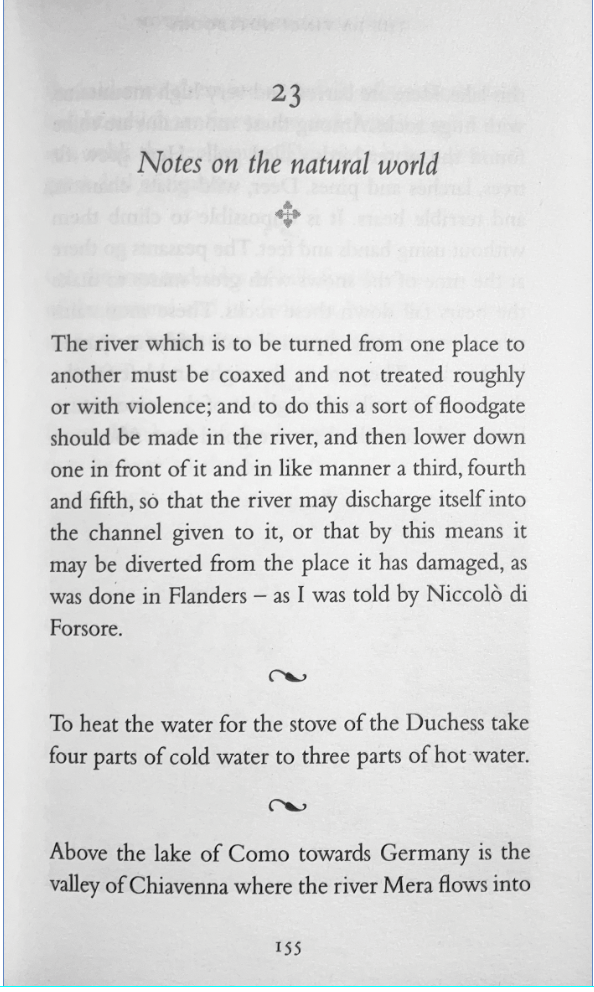
Please look at (individual work) contemporary and antiquarian
books and distill from your findings at least three conventional
and three unconventional rules from microtypography
(typesetting, detail typography, orthotypography) and
macrotypography (layout).
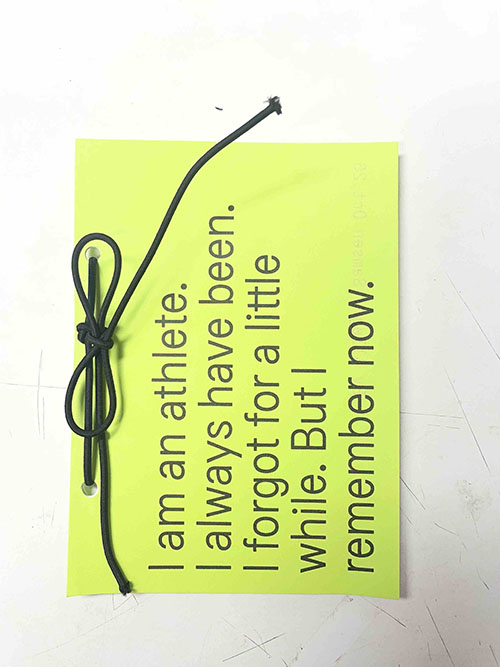
Please scan or photograph these findings and print them out in
black and white on A3 paper.
Please write down the rule—as short as possible, as long as
necessary— as a single line on the A3 paper below the image.
Lesson 22.10.25
Systems
Discussion of the design rules found
What rules were found? How are the rules formulated? ->
Possible corrections
You can read the rules between the pages/ on the back of the
page before it is folded into the book.
Exercise 2
Why noise?
Please prepare
Laptop
Browser (preferably Chrome)
Visual Studio Code
Visual Studio Code plugin: live server by Ritwick Dey
Reading
Miekal And: Why Publish Noise? 1992 (in the appendix)
Task
Find a simple text (.txt file, max. 2000 words)
Formulate rules that (without implementing them in a
layout) constitute a finished booklet for this text.
Example: The format should be A5. The title is on page 1
and is positioned at the top left, The page number...,
The text flows, the headings... etc. Be as precise as
possible.
In the workshop, we will test how your (fictitious)
rules work.
Lesson 29.10.25
Web to Print
!disclaimer! The printing functions of browsers are
often still uncared-for, buggy and imprecise, so be
prepared for glitches and paradox situations.
live-server (e.g. Visual Studio Code plugin: live server
by Ritwick Dey)
Cline Extension for AI assistance
Framework used
https://pagedjs.org/
Paged.js is a free and open source JavaScript library that
paginates content in the browser to create PDF output from any
HTML content. This means you can design works for print (eg.
books) using HTML and CSS!
Paged.js follows the Paged Media standards published by the
W3C (ie the Paged Media Module, and the Generated Content
for Paged Media Module). In effect Paged.js acts as a
polyfill)
for the CSS modules to print content using features that
are not yet natively supported by browsers.
0 Creating a HTML / CSS project 📂
Open Visual Studio Code (VSC)
Create a project folder on your hard drive
Open that folder in VSC
create a new index.html and style.css
in the index.html use ! (Emmet) to create a basic HTML
file
link the style.css in the head of the HTML using
\
in the HTML head. 🙌 Great, we are ready for our first book
layout.
To print the pdf do the following (from the paged.js
documentation):
Click onthe “Print” button of your browser. (It will most likely be in File > Print or, on your keyboard, CTRL/CMD + P)
2 @page 📄
The styling of pages can now be altered by using the @page rules
in the css as well as @media print media queries (you might know
this from responsive design: @media screen and (min-width:
900px) for instance)
    // add a new page to the document
                                const newPage = doc.pages.add();
                                // make the new page the active page in the layout window
                                doc.layoutWindows.item(0).activePage = newPage
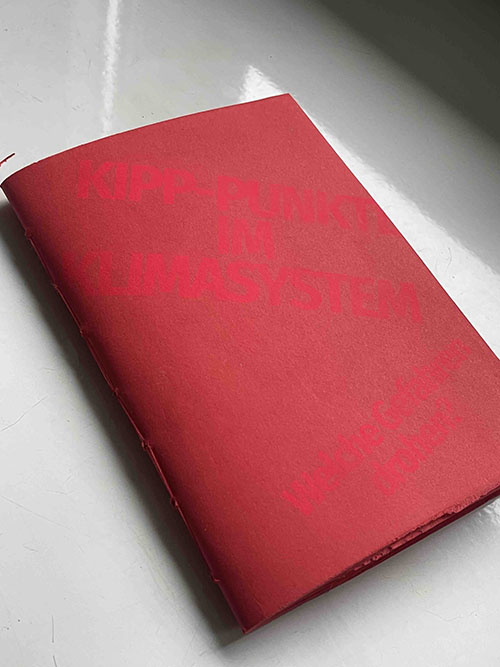
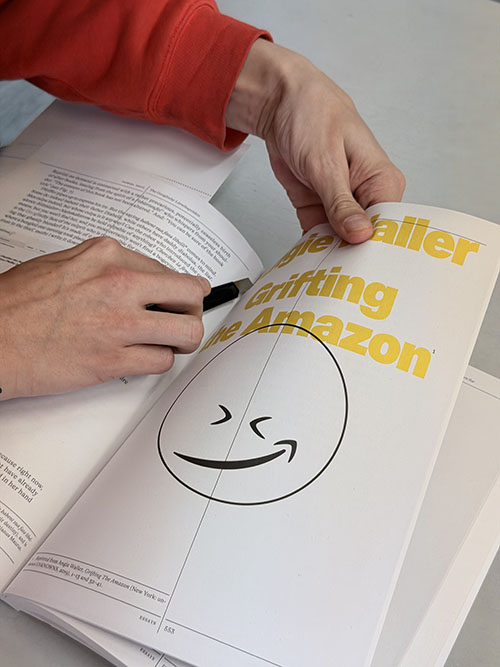
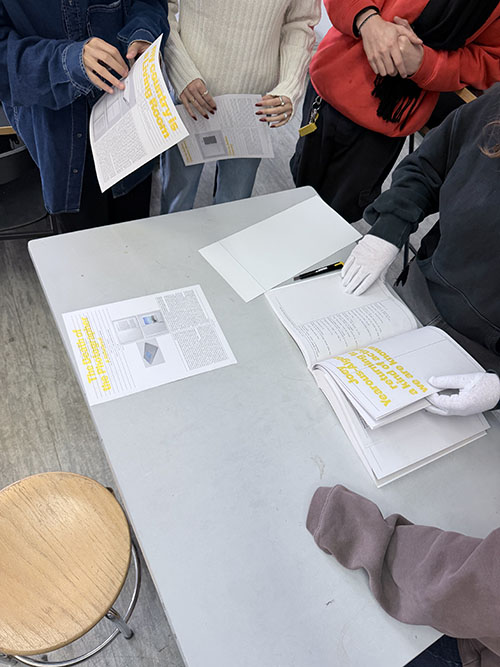
Cut out (as a group assignment) an essay from the
publication “Library of Artistic Print on Demand” and at
least 4 examples of artistic works.
Rebind the pages.
Read the text and prepare 4–5 slides on the most important
insights from the essay, making it accessible to others.
Why is print on demand interesting?
How does print on demand work?
How can print on demand be used artistically and
creatively?
Think about how you could implement a print on demand
project (within the infrastructure of the university) and
how it could be well implemented in terms of design.
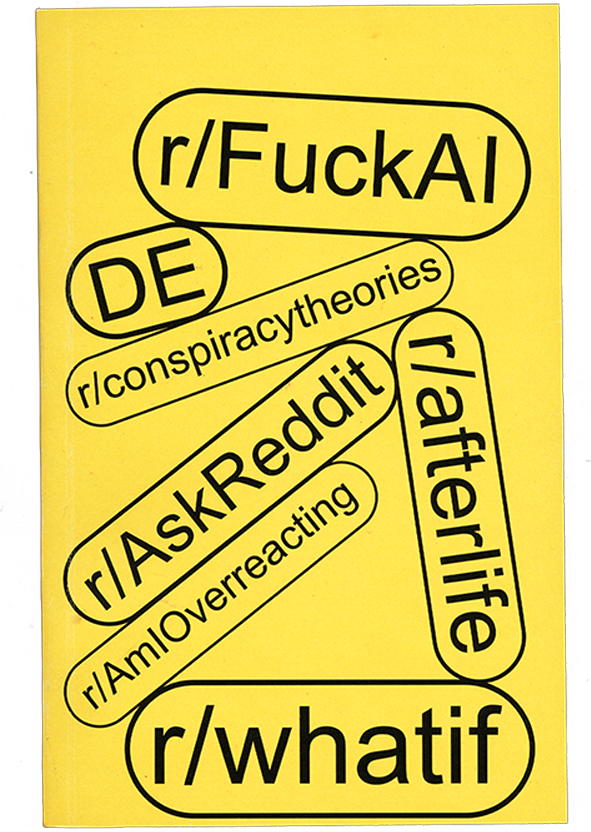
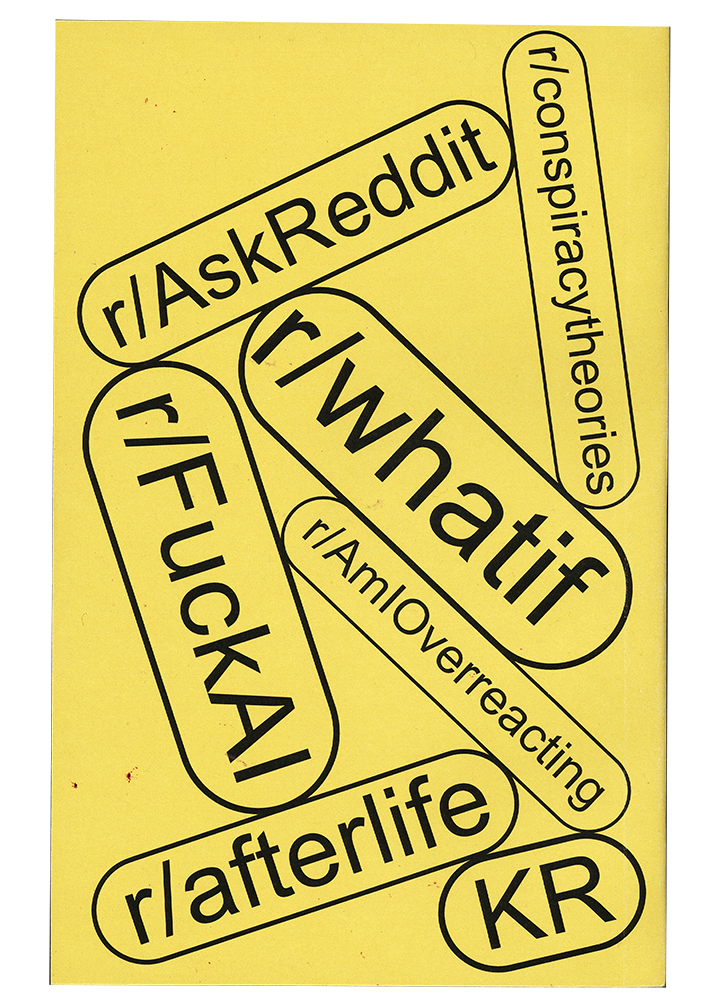
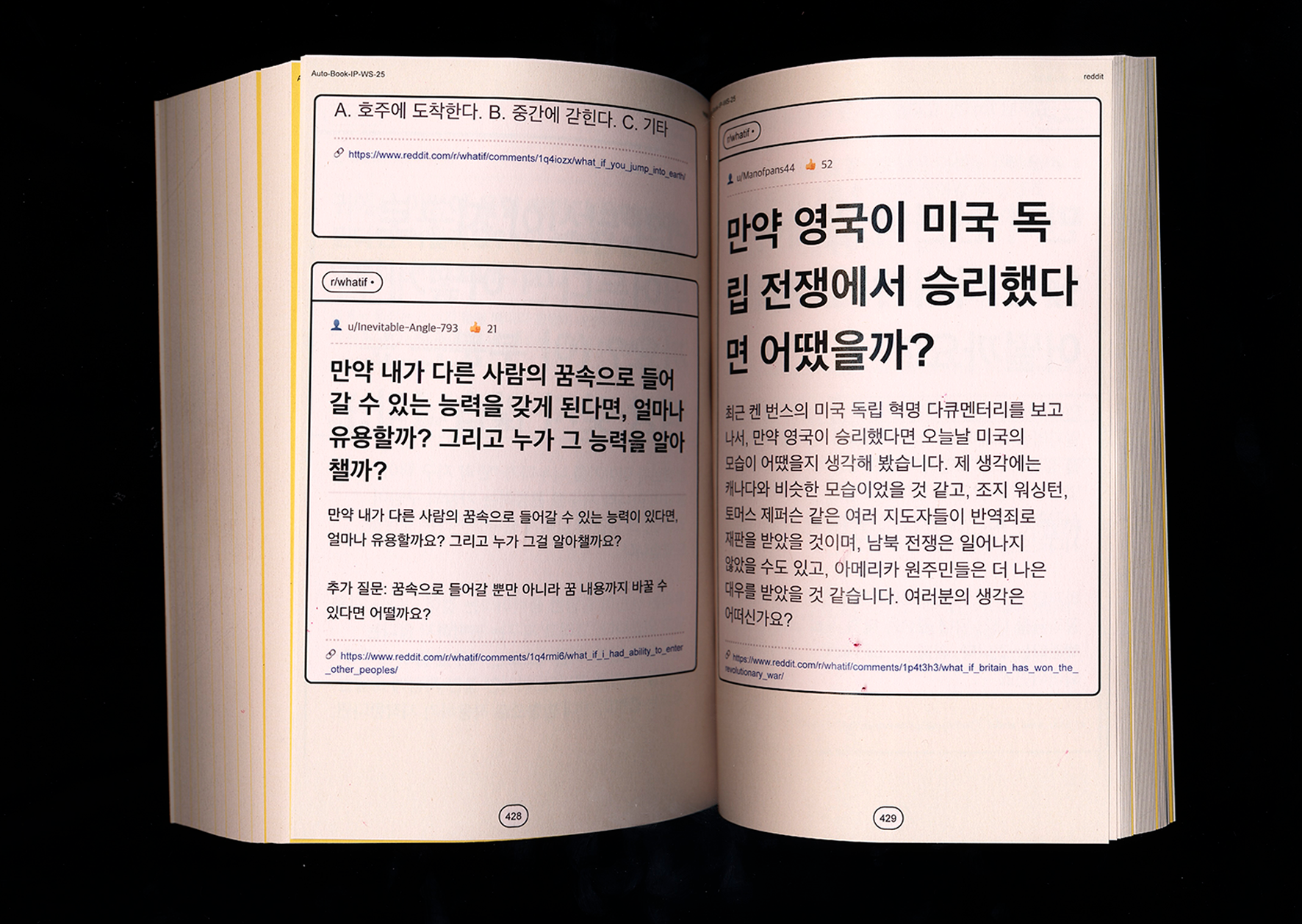
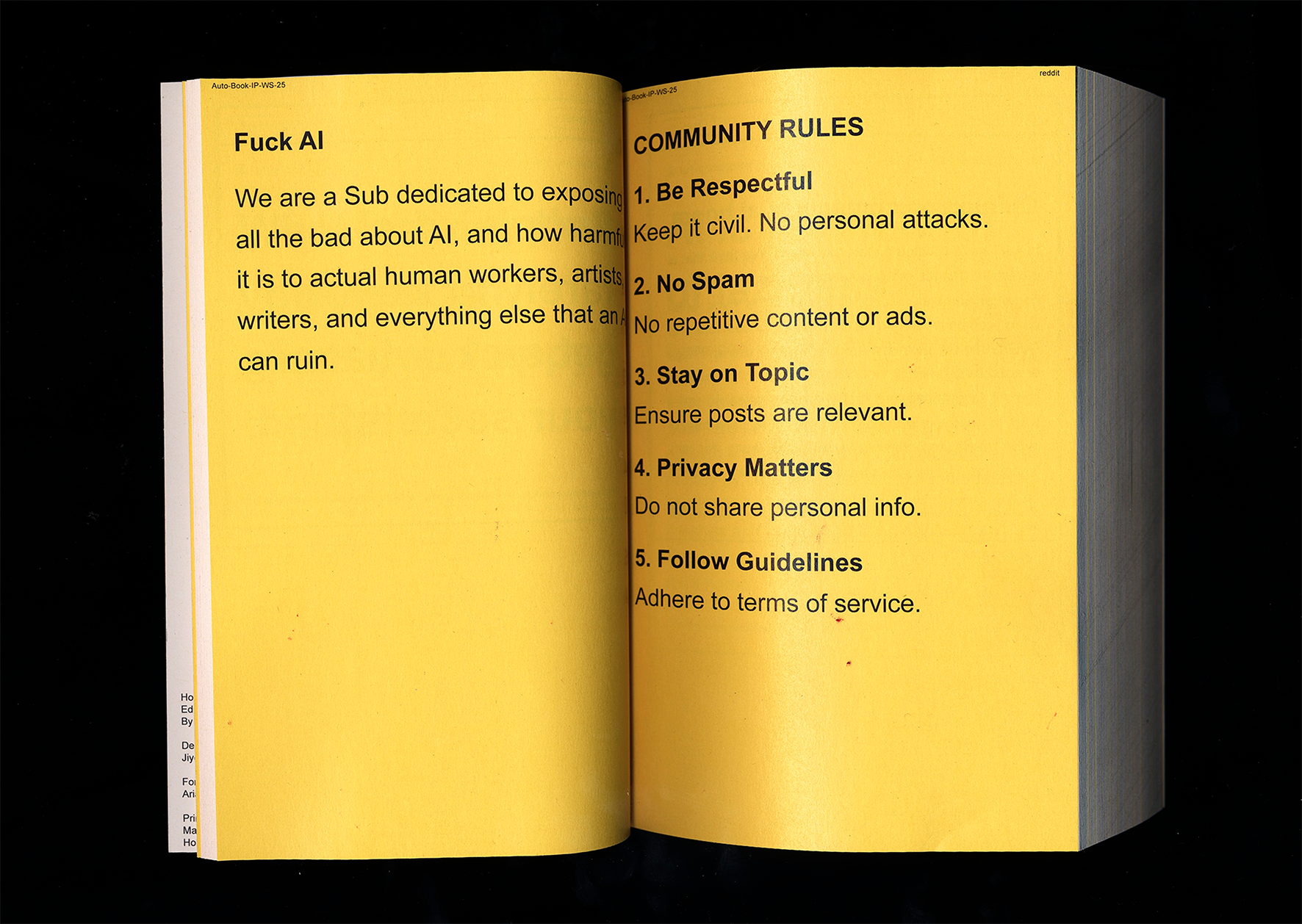
This project presents a book as an immersive scroll
through online thinking. Rather than curating or
explaining content, it recreates the experience of
moving through Reddit, where people externalize everyday
thoughts, fears, anger, and speculation. Posts often
drift away from the present moment into imagined
futures, worst-case scenarios, or emotional spirals. The
project is motivated by the observation that fear of the
future increasingly dominates online discourse.
Technological anxieties and existential questions
accumulate in digital spaces, making it difficult to
stay grounded in the “now.” The internet becomes a
shared environment where these thoughts are amplified,
repeated, and validated.
Detail
Design Rules
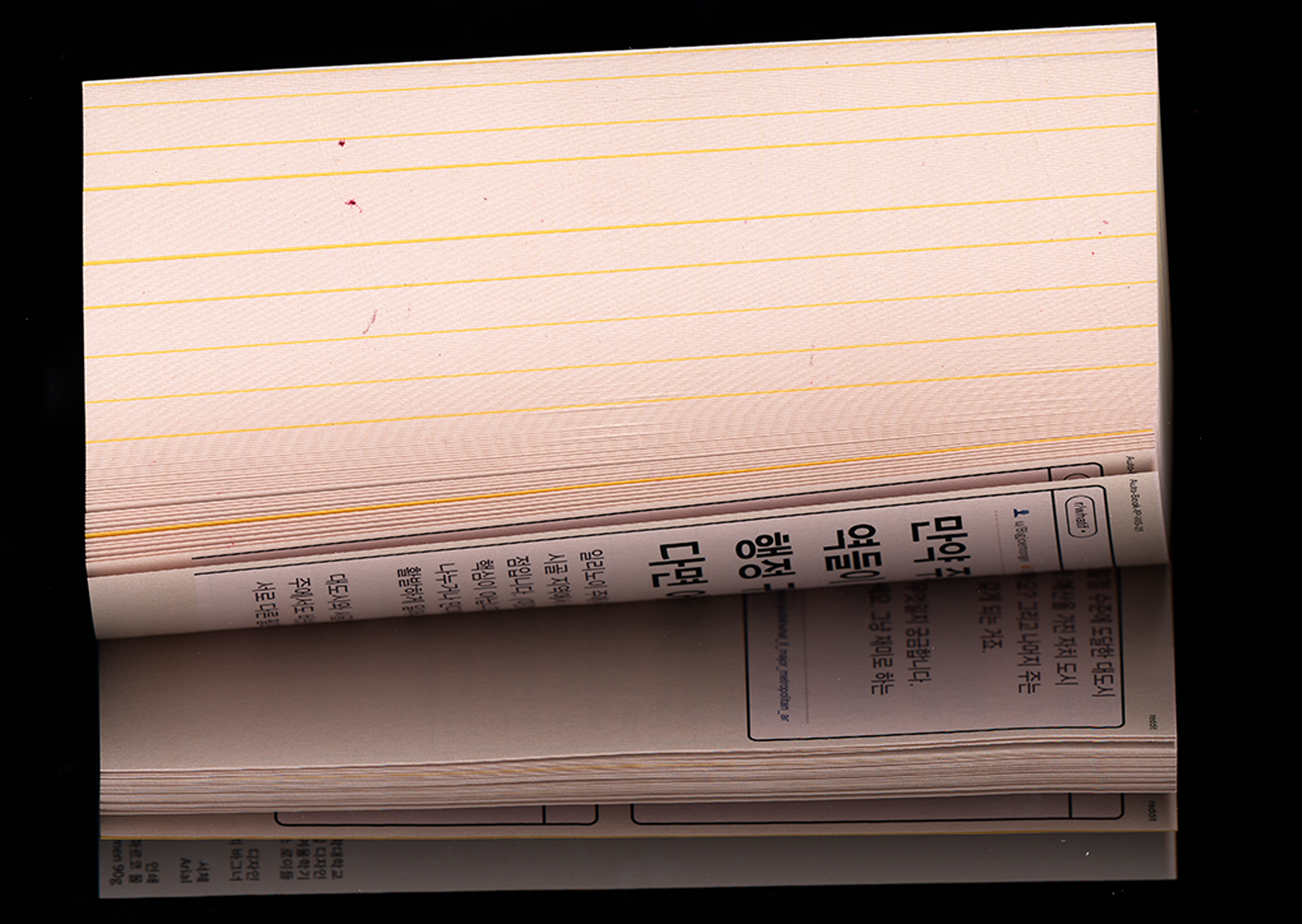
The visual system remains identical throughout the entire book.
All layout decisions are automated to mirror the uniform
interface of online platforms.
Randomly sized text boxes (S / M / L)
Typography scales according to box size
No manual layout decisions per chapter
No visual hierarchy or emotional ranking
Variation in scale does not assign meaning or importance.
Instead, it reflects the apparent randomness of online
discourse, where very different voices and emotional states
appear side by side.
DoublespreadDoublespread
Technical implementation
All content was collected and organized in Google Sheets,
which functioned as a shared database. The texts were then
connected to a custom web layout using HTML, CSS, and
JavaScript. This setup allowed the project to function as a
web-based system while simultaneously enabling a
web-to-printworkflow. The same rules that structure the
digital layout are directly translated into the printed
book, reinforcing the idea of an automated, continuous feed.
Conclusion
The project explores immersion, loss of orientation, and the
ease with which attention is pulled away from the present
moment when engaging with the internet. By maintaining a
fixed system while shifting emotional content, the book
exposes how online spaces normalize speculative, fearful,
and unresolved thinking — not through emphasis, but through
accumulation.
Lily Heinritz & Lucas Terburg
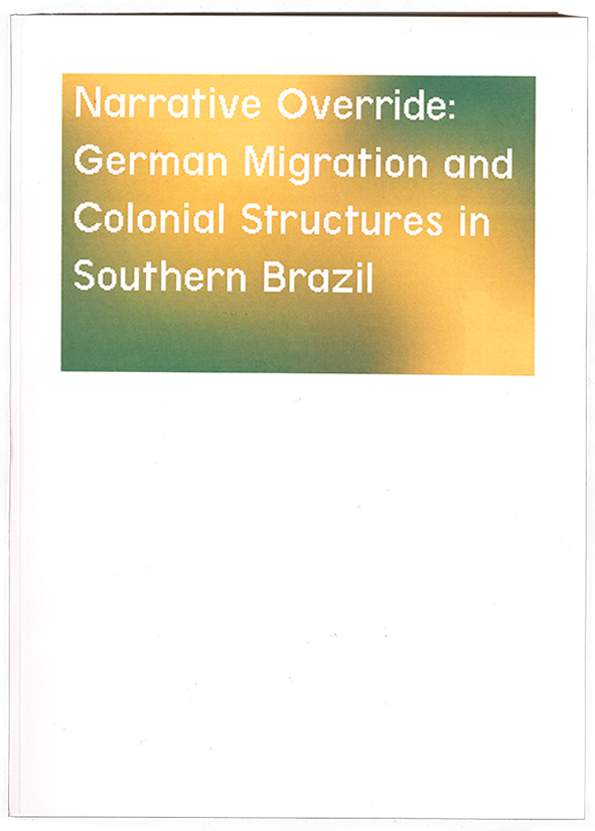
Narrative Override
German Migration and Colonial Structures
in Southern Brazil
About
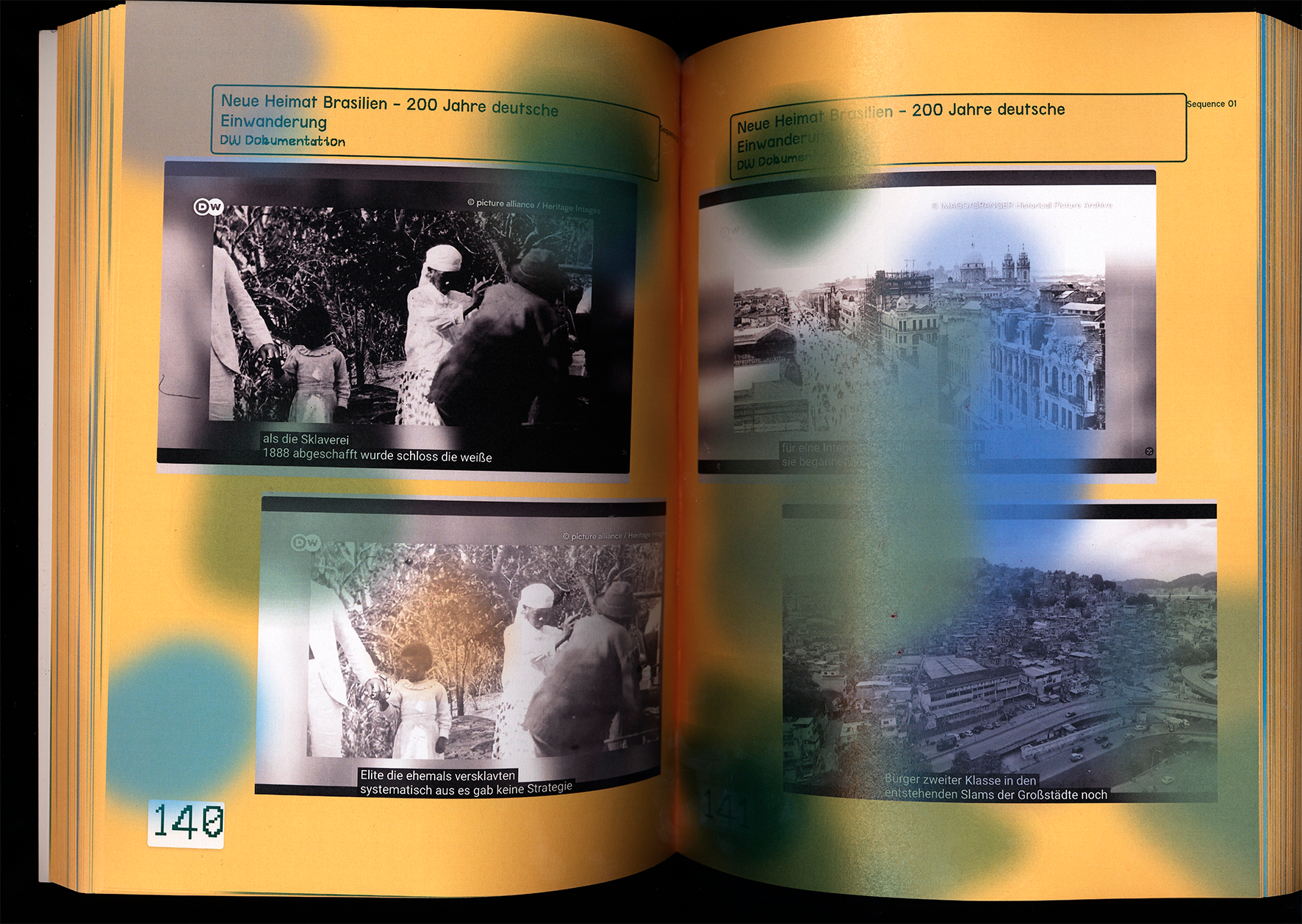
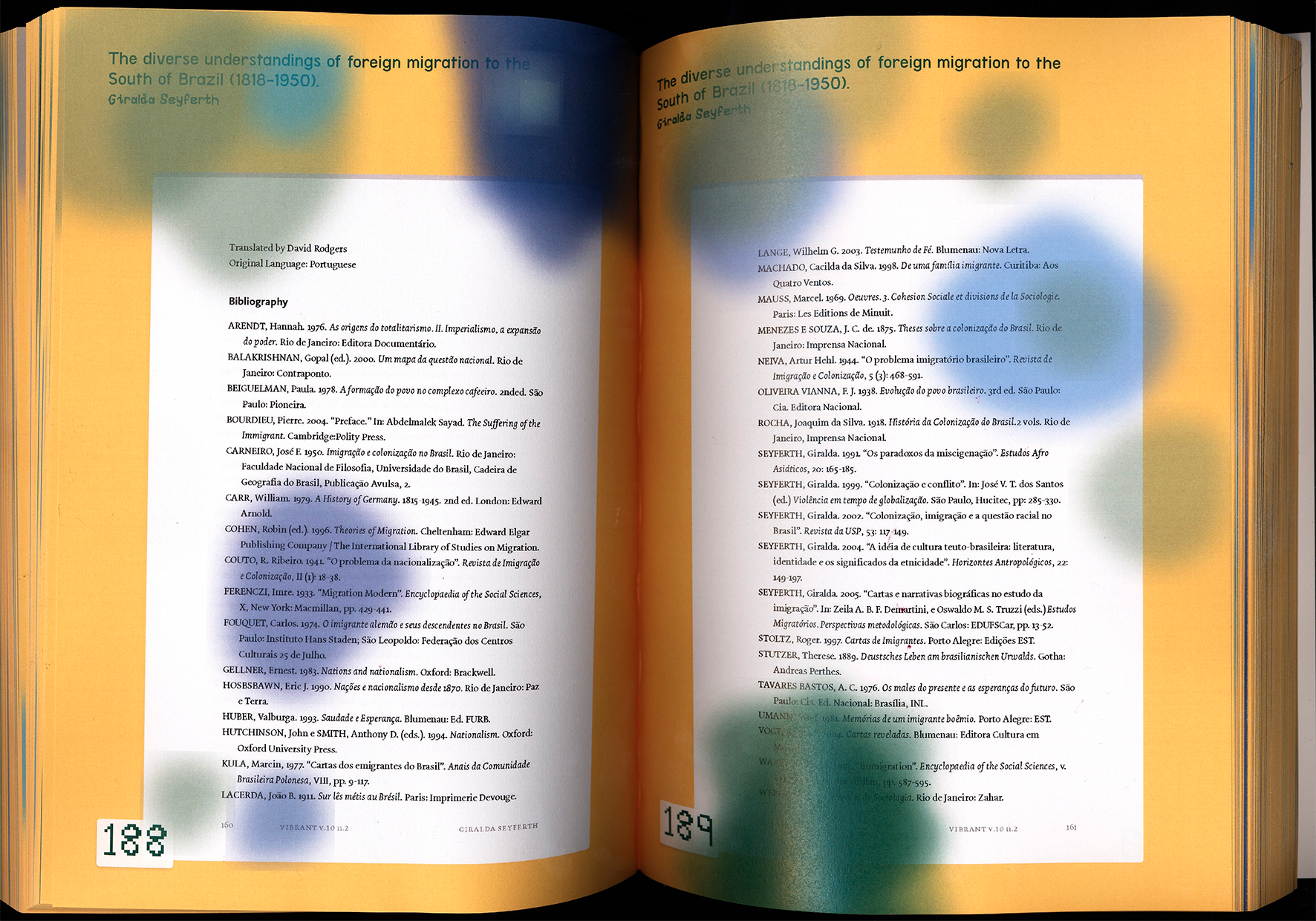
The project “Narrative Override: German Migration and
Colonial Structures in Southern Brazil” collects and
presents various historical sources on German emigration to
southern Brazil in the 19th century. The aim is to make
different perspectives on this migration accessible and to
reveal how the history of settlement has been narrated.
Across the sources, stains spread according to an automated
system that reacts to the properties of each visible source.
They symbolize migration, displacement, the incompleteness
of information, and its simultaneous visibility.
Detail
Design Rules
Stains/labels are flexible
Colors: yellow, green, blue, brown
Images and texts overlap
One PDF page per page
Source limitation to 50 pages
DoublespreadDoublespread
Technical implementation
The project was developed in Visual Studio Code.
The technical implementation is based on a quantitative
analysis of the sources.
Qualitative evaluation was discarded as too
time-consuming.
All sources were recorded in a table, assigned
parameters, and structured as JSON.
Automatic assignment of content to four layout types:
letters, essays, websites, and video frames.
The code generates a random order of content and a
maximum page count per source: instead of a linear
chronology, a fragmented structure emerges, reflecting
real research processes.
Defined parameters influence the number and intensity of
the stains.
Conclusion
The project understands history not as a fixed narrative, but as
an interplay of different perspectives. By making sources
visible side by side, it becomes clear that migration,
settlement, and memory have been experienced and represented in
different ways. The result is not a closed or unified image, but
a conscious engagement with gaps, contradictions, and overlooked
voices.
Franziska Stroh & Tim Bauer
Collabbook
About
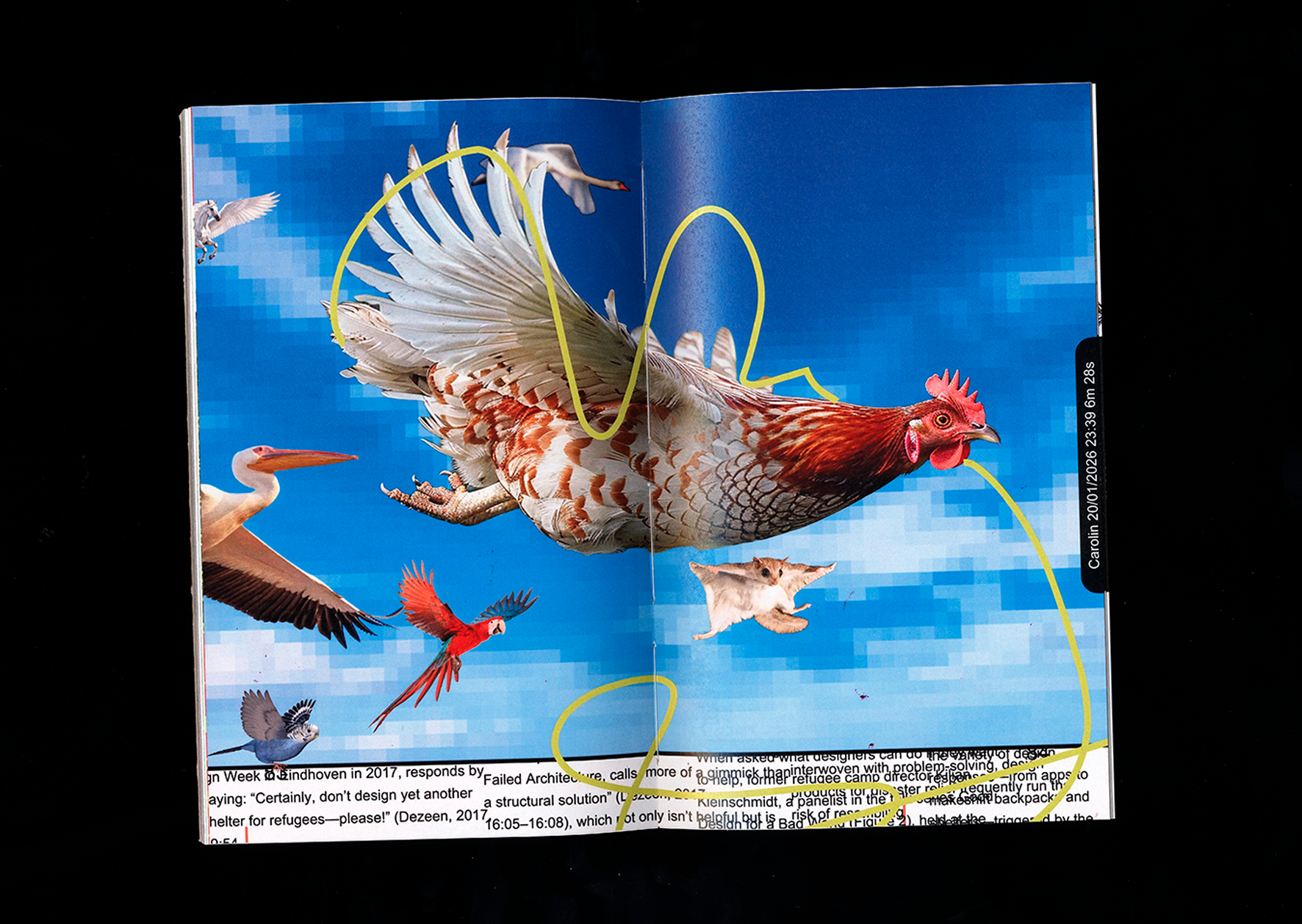
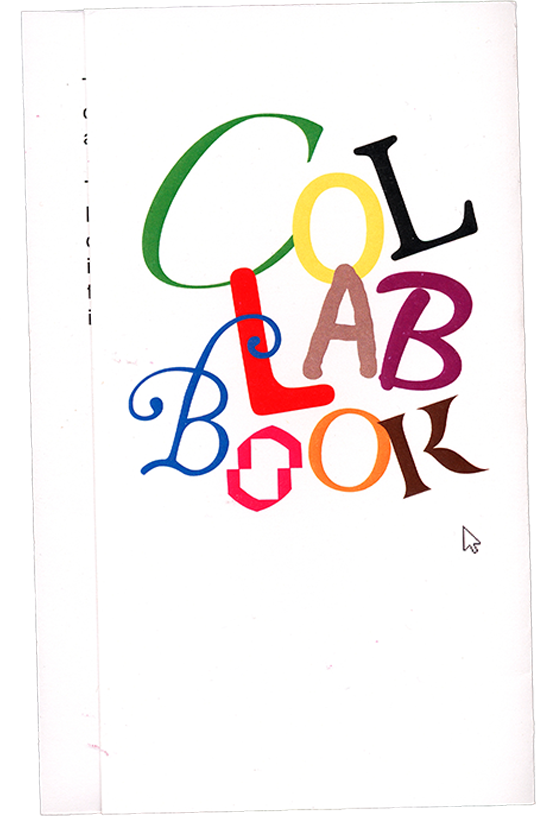
In this project, we attempted to design a collaborative book
using a web tool that we developed ourselves. The tool was
intended to enable multiple people to jointly create a
layout. It is deliberately unpredictable, aiming to move
users away from conscious decision-making and toward
intuitive design and play. The individual design elements
were therefore intentionally conceived in a humorous way as
“tools.” The book itself is a collection of four texts from
the field of design, laid out by more than 41 different
participants across 146 pages.
Detail
Design Rules
Texts were predefined, one paragraph per page
Tools modify pages via click, hover, or scroll
Each double-page spread can only be designed once and is
then locked
Otherwise, complete freedom in design
DoublespreadDoublespread
Technical implementation
JavaScript
HTML
CSS
Der Cline
Conclusion
The project demonstrates the different approaches taken by
designers and non-designers when they are given a new tool. This
results in atypical double-page spreads as well as attempts to
create classical layouts.
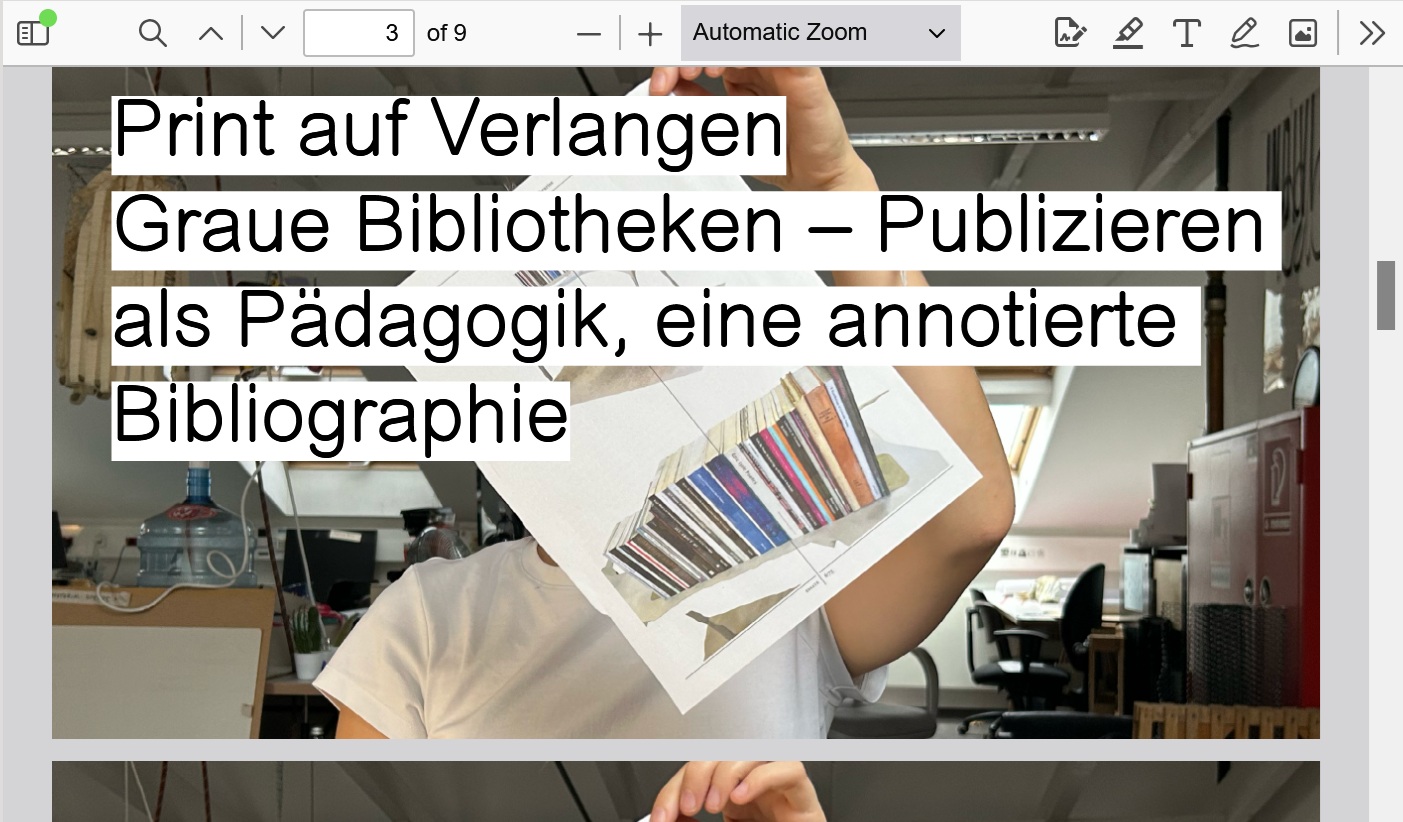
Lenny Bittger, Clara Bröning, Kristina Goettgens
& Edda Seibert
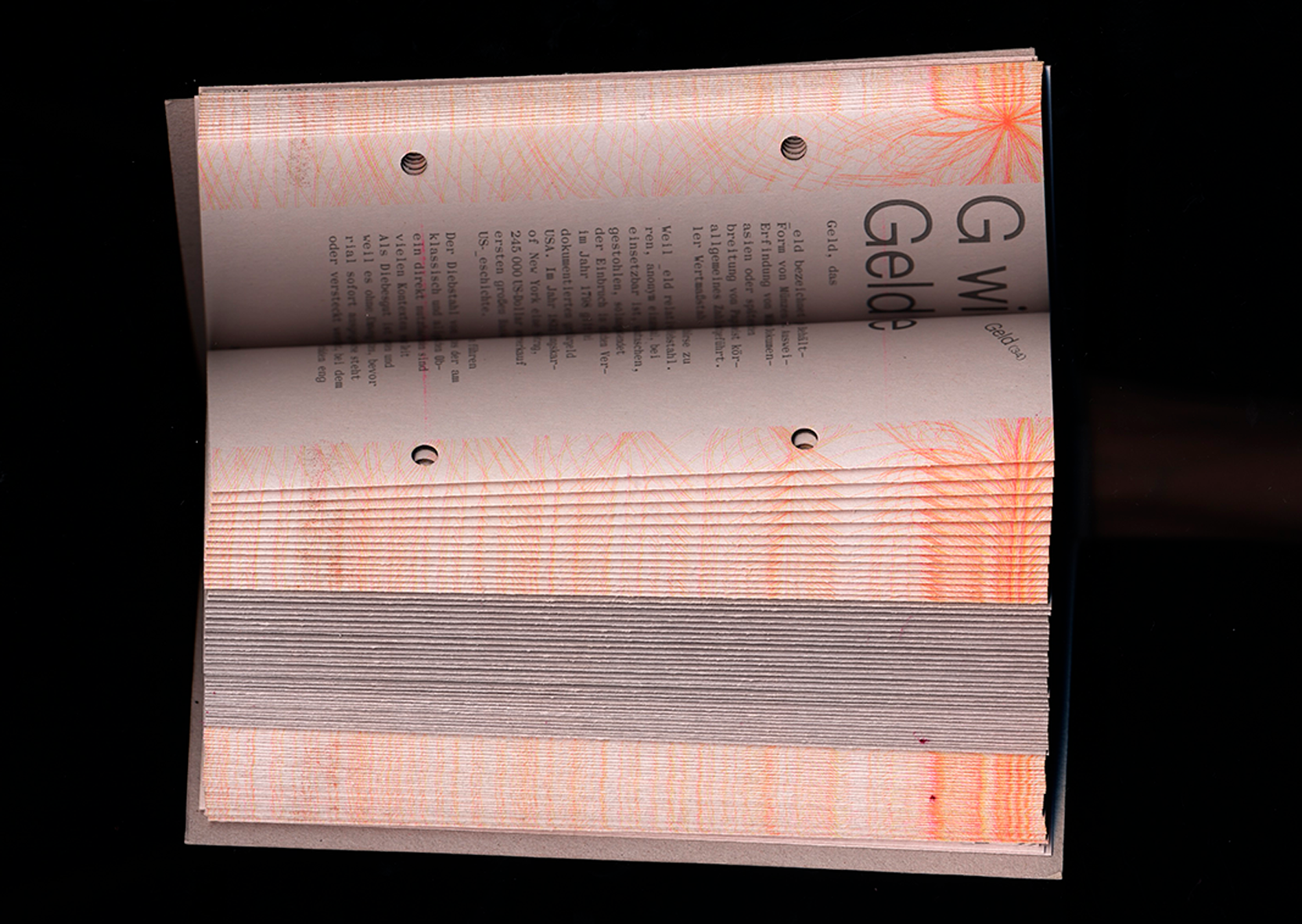
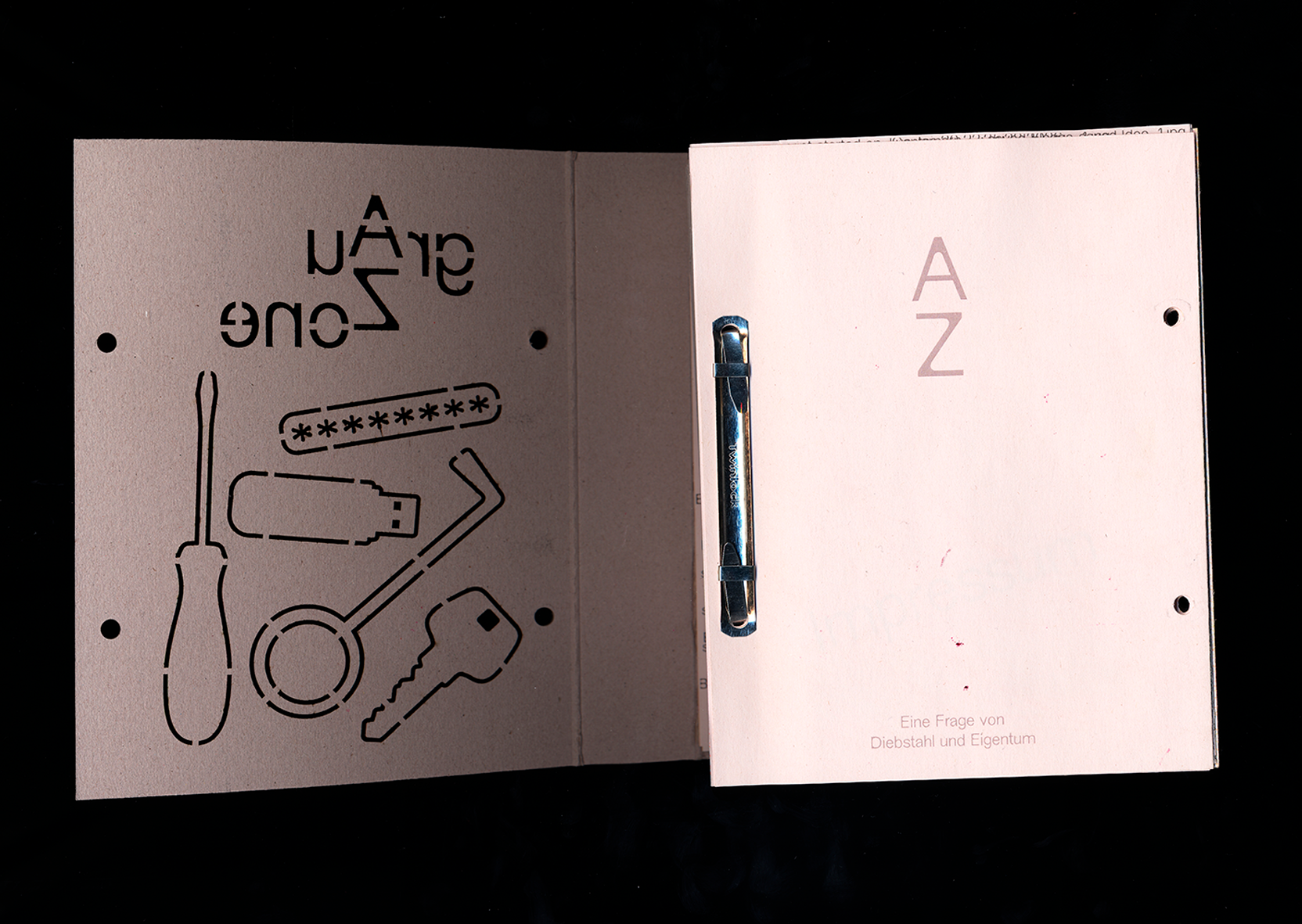
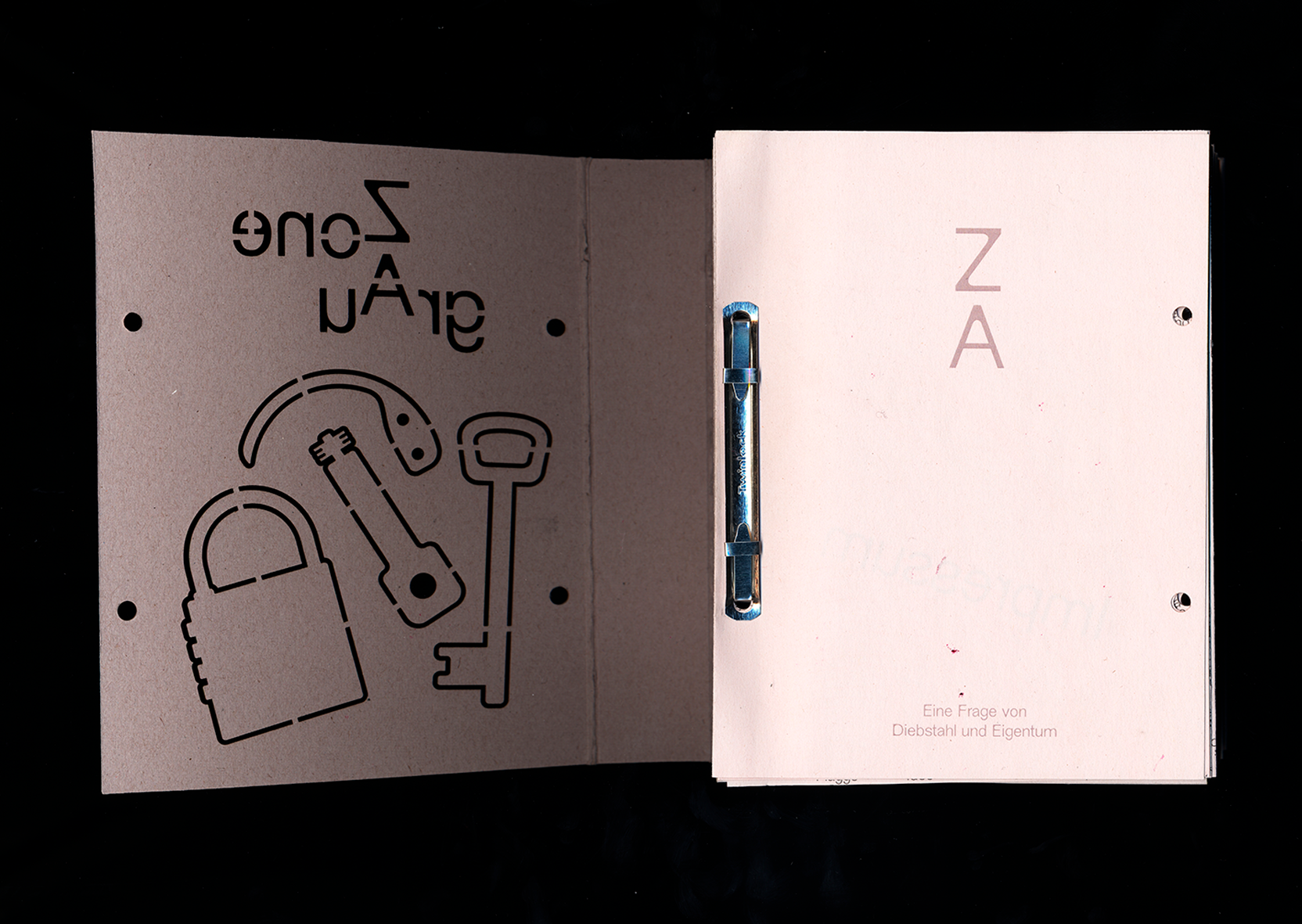
GrauZone ZoneGrau
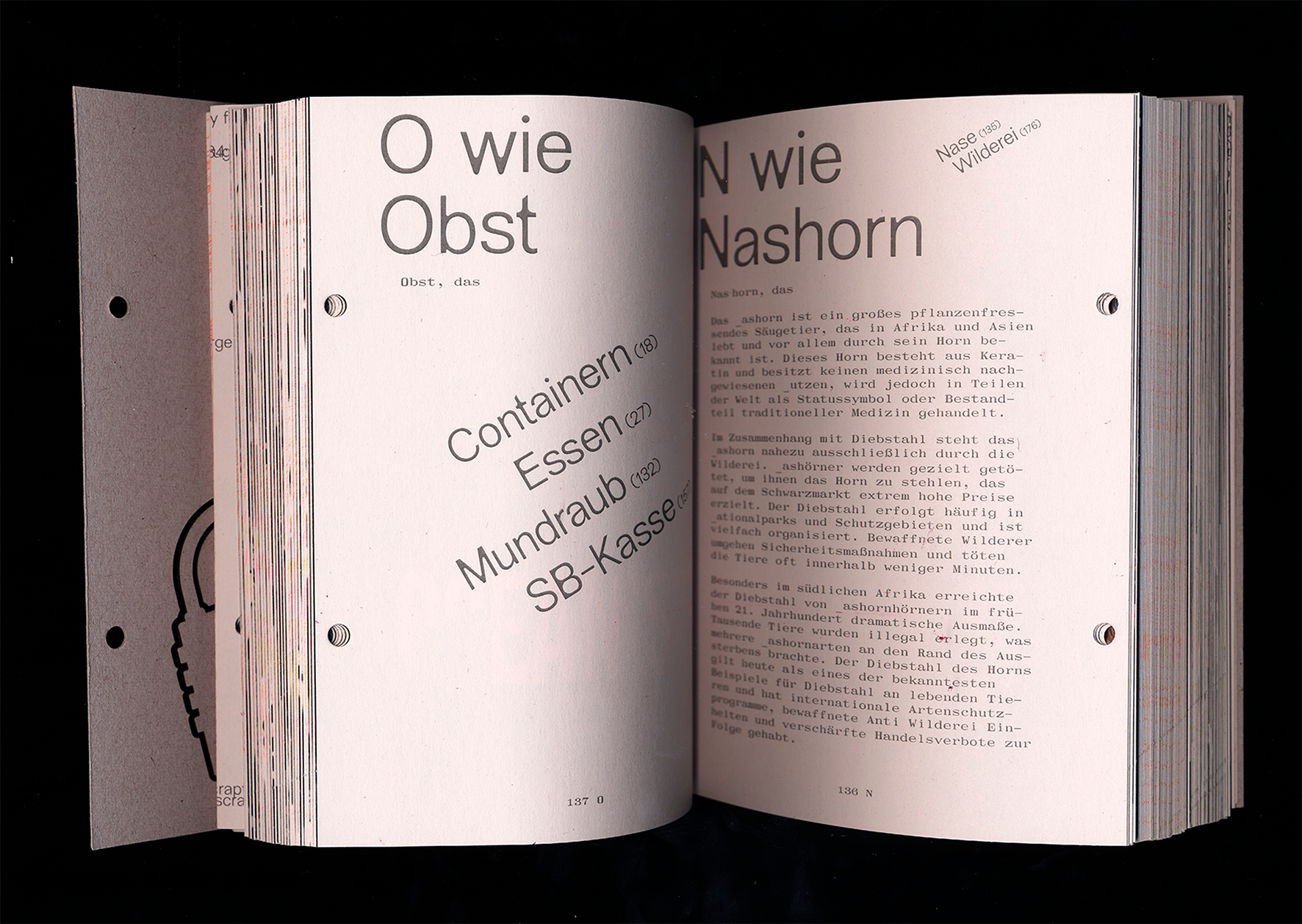
A question of theft and property
About
Theft is omnipresent. On a large and small scale, people
steal and rob every day. From bank robberies, mask deals,
and tax evasion to international wildlife smuggling, the
list of thefts is long.
But you don't have to be a criminal to steal something. Not
scanning something at the self-checkout, pocketing a mug at
the Christmas market, crawling under the turnstile at
Sanifair, or gaining access online to things you would
actually have to pay for. All of this is theft (from a legal
perspective).
Detail
In order to steal, someone else must own something, but how
does a person acquire this property in the first place, and
is it fair? The concept of theft is at least as old as the
concept of ownership—they go hand in hand. To rise above
theft is to forget its origins. If God exists, why didn't he
leave me a condominium (Beslik - Guten Morgen Deutschland).
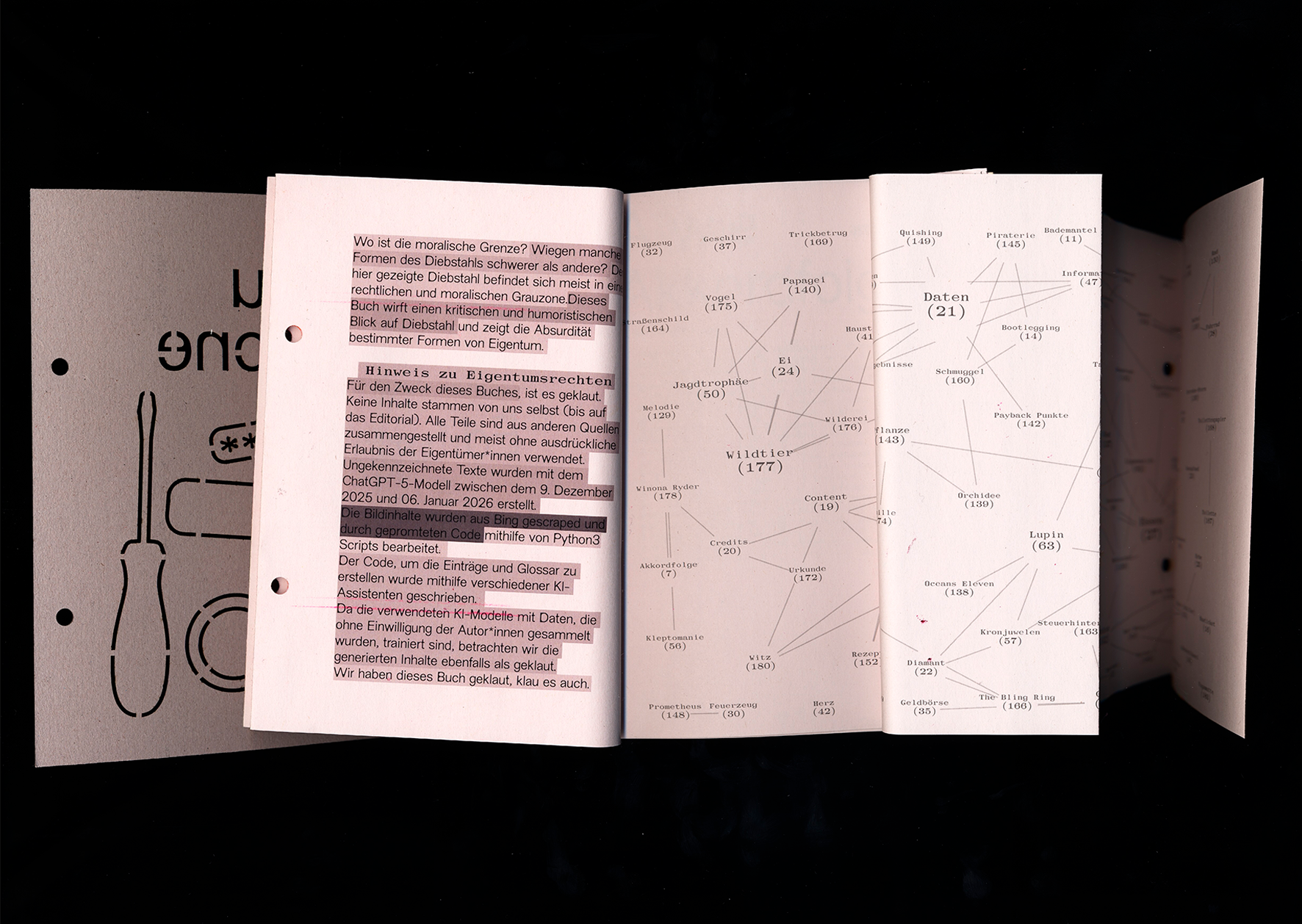
Where is the moral line? Are some forms of theft more
serious than others? The theft shown here is mostly in a
legal and moral gray area. As a kind of encyclopedia of
stolen things (from A for “accordion” to Z for “quote”),
supplemented by essays, this book takes a critical and
humorous look at theft and shows the absurdity of certain
forms of property.
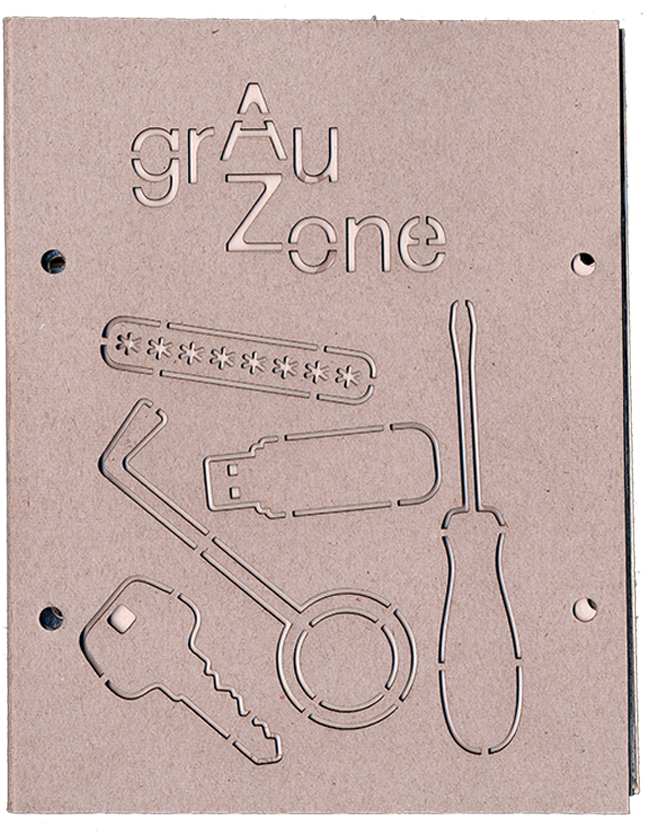
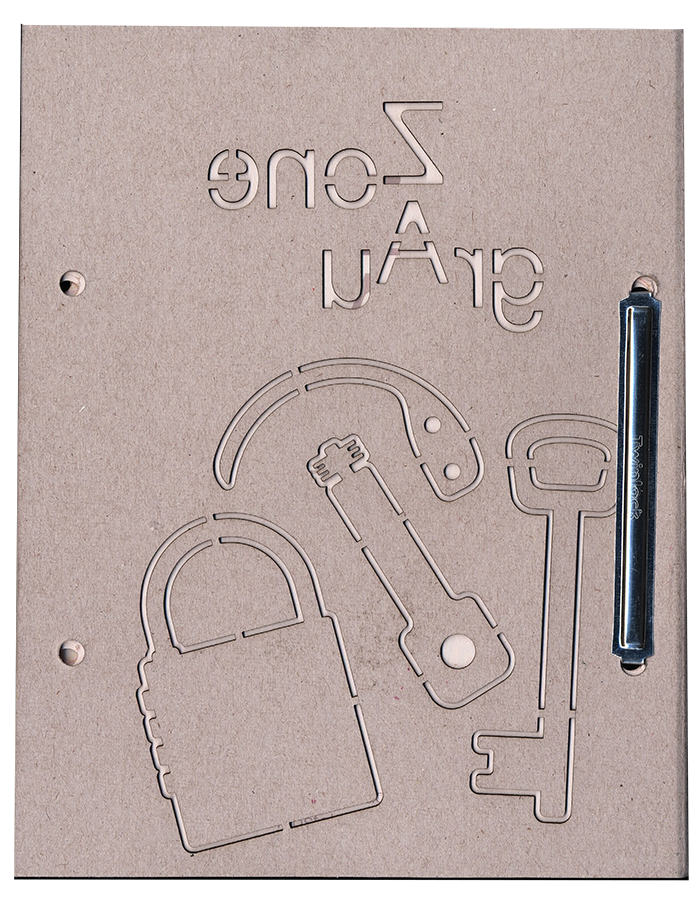
First Page Grau ZoneFirst Page Zone Grau
Design Rules
The color gray runs through the book as a central color
and meaning concept; not only visually in the text,
images, cover, and paper, but also in terms of content,
reflecting the gray area of theft and ownership.
The object is small in format, made of lightweight
material, and deliberately “easy to pick up”—but its
content and high page count make it substantial and
eye-catching.
Two equivalent books are combined in one object by
Japanese binding: the front cover is the text volume,
the back cover is the picture volume. Turning the book
reverses the reading direction (Z–A), which is why
contents such as the half-title, imprint, and glossary
are duplicated (for double reading direction). Access is
via closed staples – opening and entering the book
becomes the reader's first action.
Typographically, we work with “stolen” and fragmented
fonts (Makiwara, Mono, NewEdge666 Rounded) that reveal
gaps in the text and automatisms.
The images are created using algorithmic image
processing in Python and ChatGPT prompts, supplemented
by Riso-printed guilloche patterns inspired by banknotes
and anti-counterfeiting measures. Each edition is
therefore unique and moves between control and chance—a
deliberate gray area.
DoublespreadDoublespread
Technical implementation
Technically, we worked on the illustrated book using Python
scripts created with the help of ChatGPT.
Based on our outgoing CVS table, in which we collected terms
related to the topic, images were scraped (downloaded) from
the Bing search engine, edited and collaged using another
script (all based on prompts—i.e., without our direct visual
control), and then converted into the final PDF in book
format.
The scripts were executed in the Mac command line terminal,
which was written down in a txt file and later found its way
into the book in a visualization.
The text volume is based on the same table, from which the
pages were created using JavaScript and pagedJS via
web-to-print. Word breaks and articles were automatically
extracted from Wiktionary. The references manually defined
in the table form the basis for the glossary, which uses
D3js for visualization.
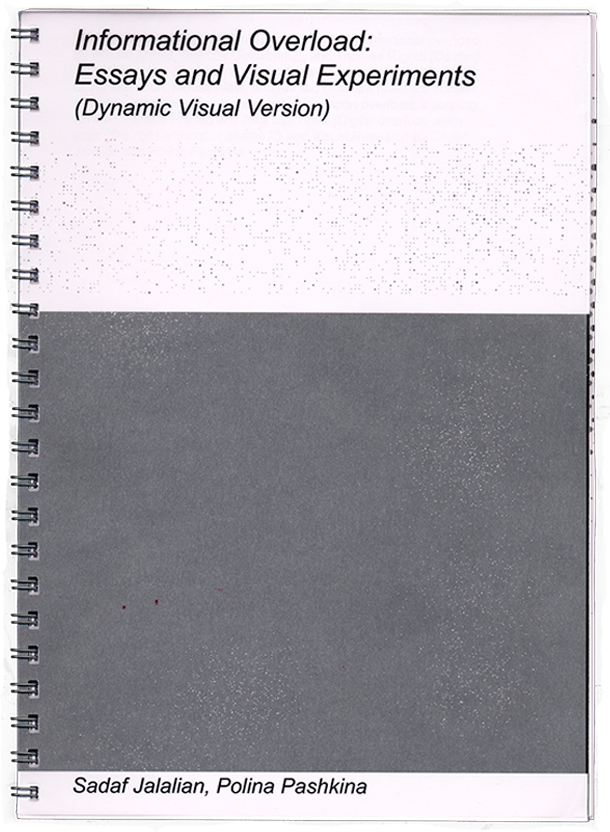
Sadaf Jalalian & Polina Pashkina
Informational Overload
Essays and Visual Experiments
About
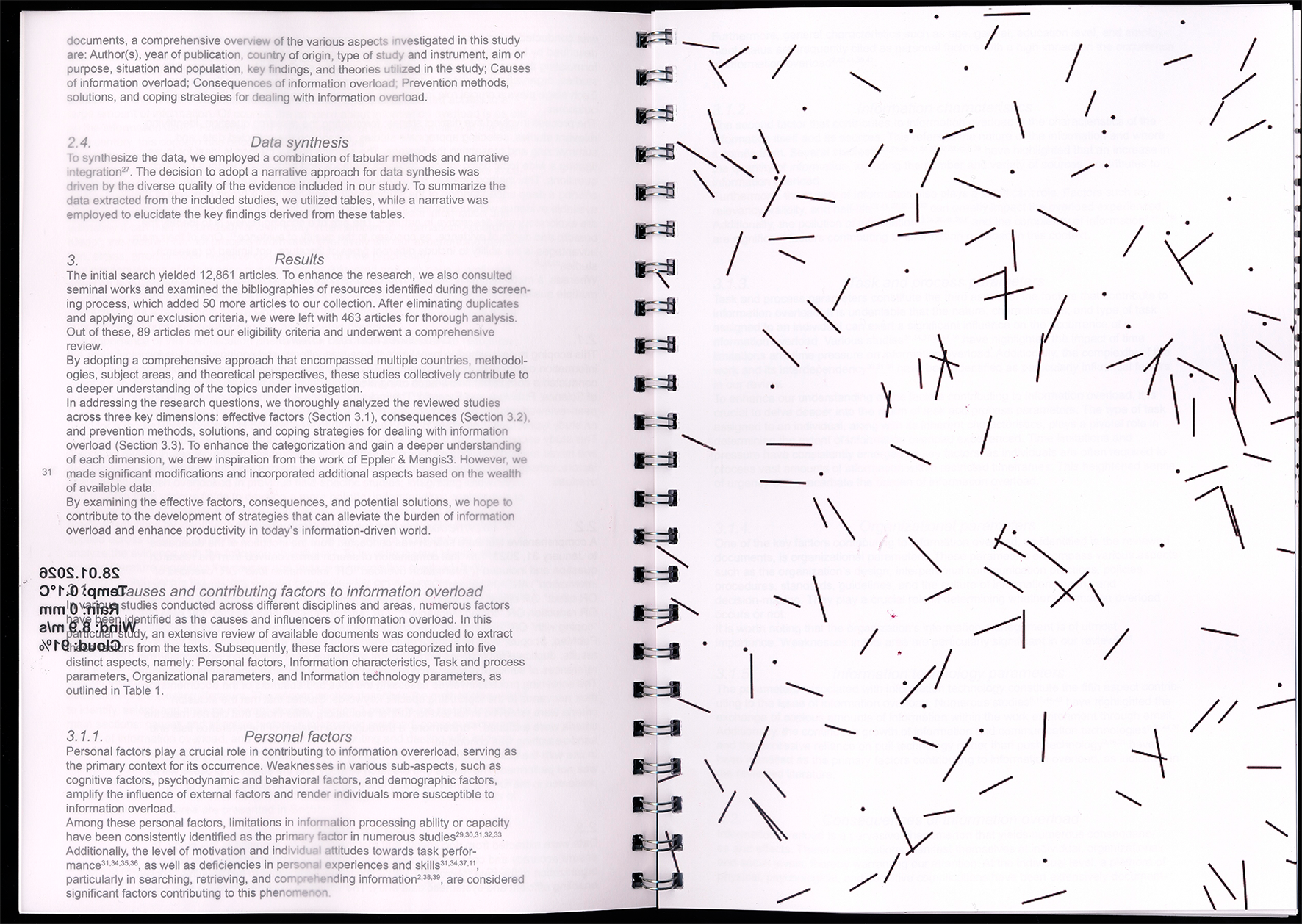
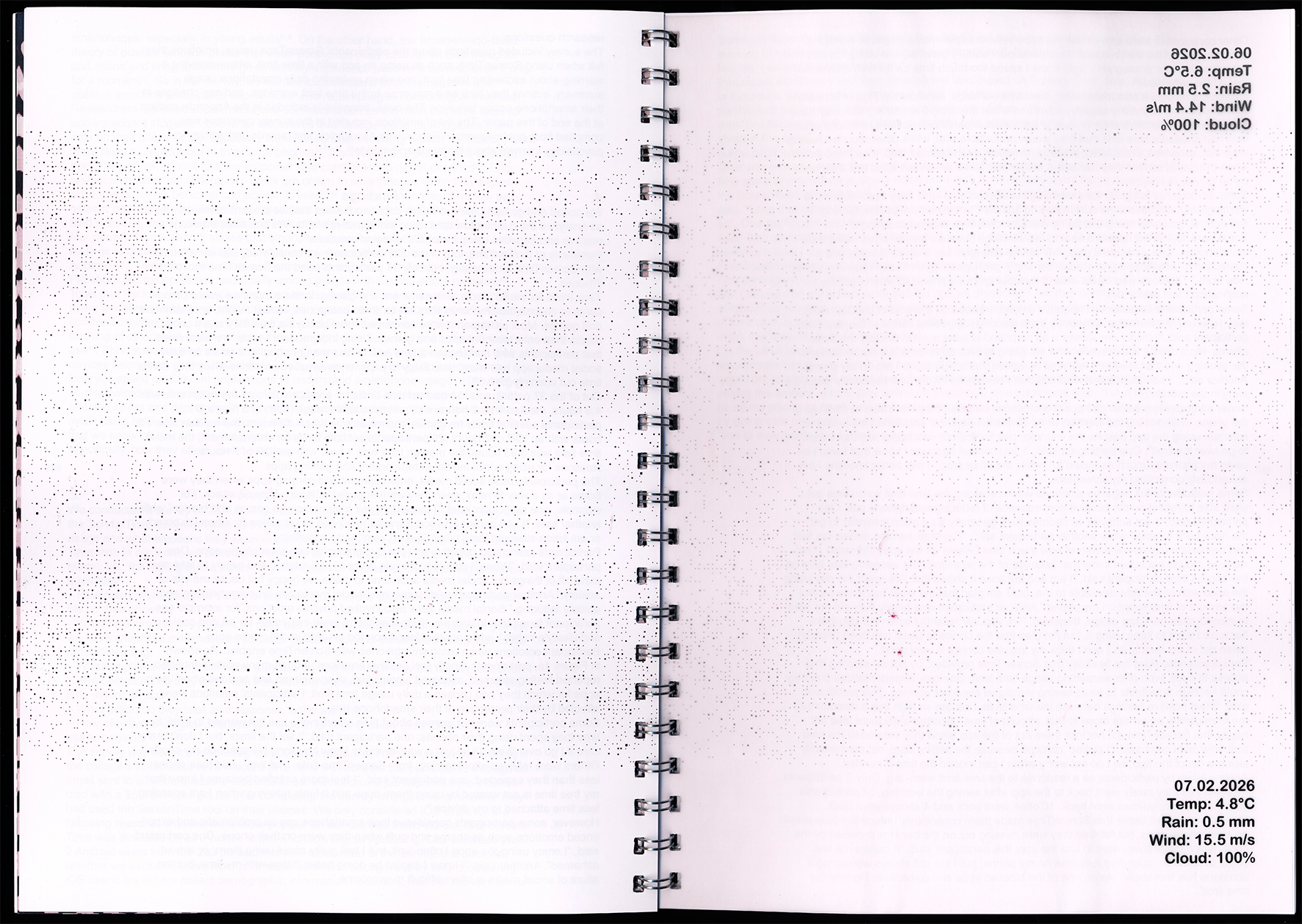
Our project investigates how automated digital data can be
translated into a physical book format. We are working with
current weather data as an example of fleeting real-time
information that is quickly consumed and just as quickly
forgotten in everyday life. Print on demand slows down this
data and fixes it as a material object. Technology/Software
The book is not intended to be a static publication, but
rather a dynamic system that changes with every data update.
Detail
Design Rules
Weather parameters control the visual properties of the
images
Black and white as a conscious reduction and focus on
structure
Separation of fixed layout and variable, automated
content
Transparent pages as an additional layer for data and
text
DoublespreadDoublespread
Technical implementation
JavaScript (.js) for processing weather data (API)
Generative image design based on weather parameters
JavaScript / ExtendScript (.jsx) for automation in Adobe
InDesign
Adobe InDesign (template-based layout)
Conclusion
The project shows how the speed, topicality, and transience of
digital information can be translated into a slow, reflective
medium through print on demand. The book itself becomes a
time-based object.
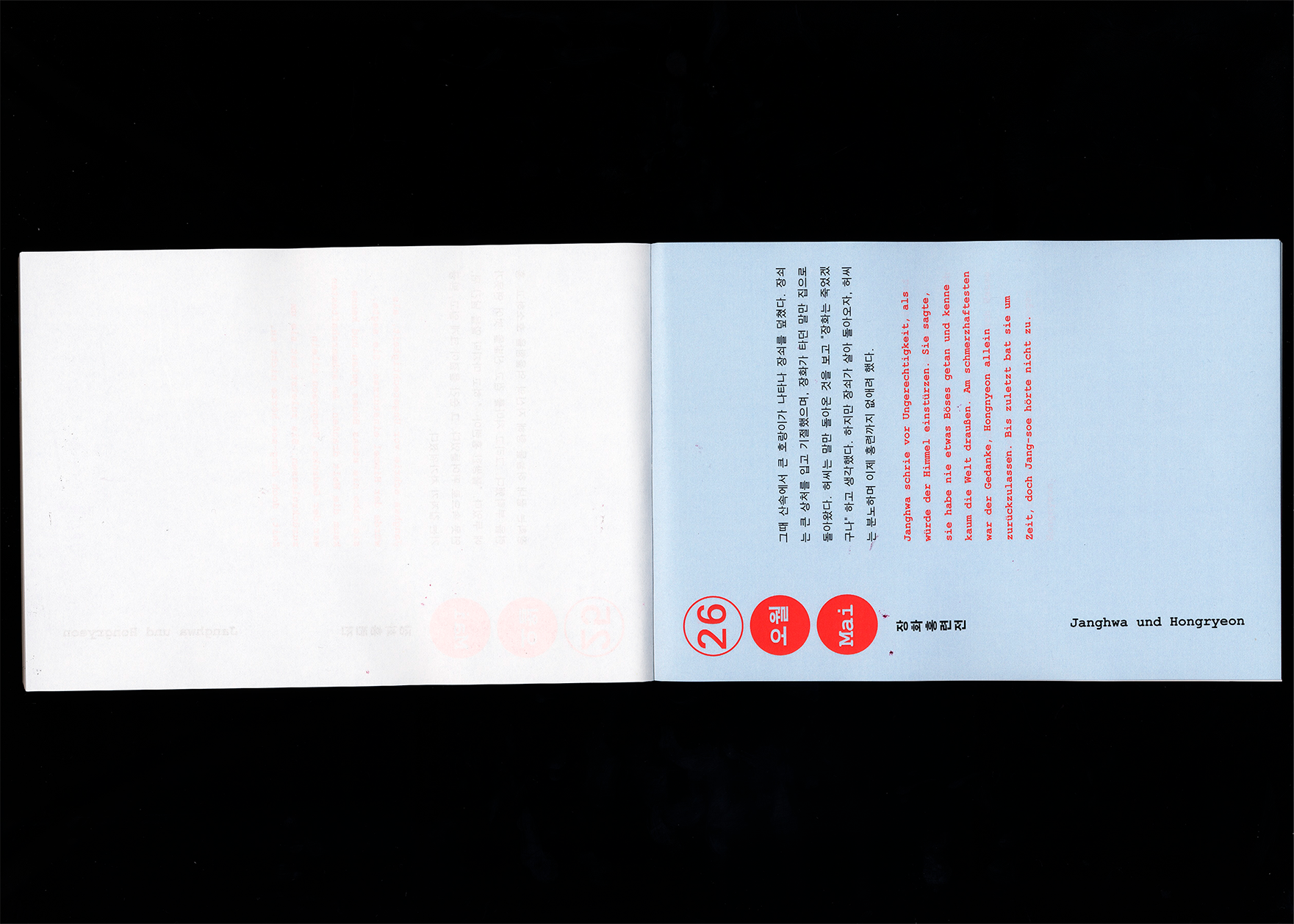
Johanna Ludewig & Sooryeon Kwon
독일과 한국의 신화와 전설
German and Korean
Myths and Legends
About
Our project combines language learning with cultural
comparison.
The goal was to create a playful and visually engaging way
to teach German and Korean through narrative content.
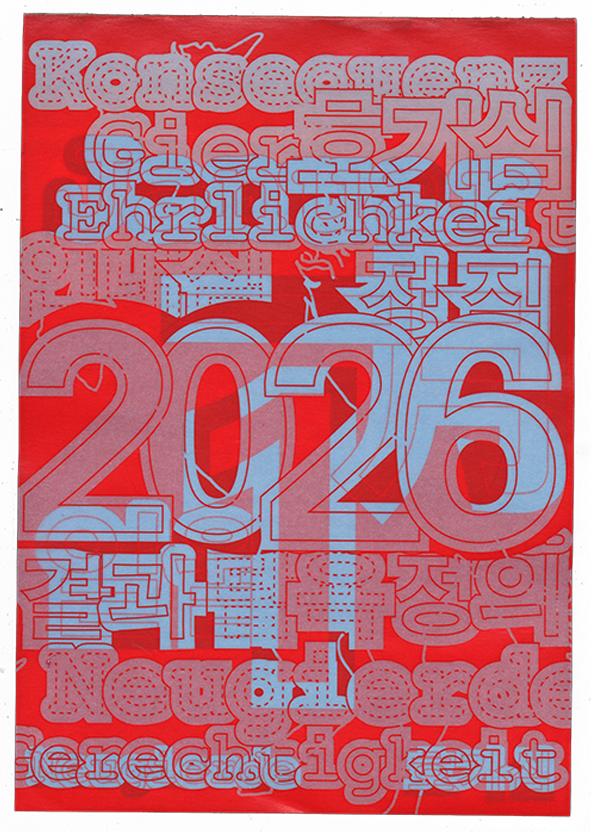
The project is based on six overarching themes, each
represented by one German and one Korean legend or myth.
This approach highlights similarities and differences
between the two cultures and allows language to be
experienced in context.
Detail
Design Rules
The visual concept is based on a clear color system of
blue, red, and white.
A typeface was used that supports both Latin and Korean
characters to ensure consistent typography.
The texts are divided into short sections and always
paired with the corresponding translation.
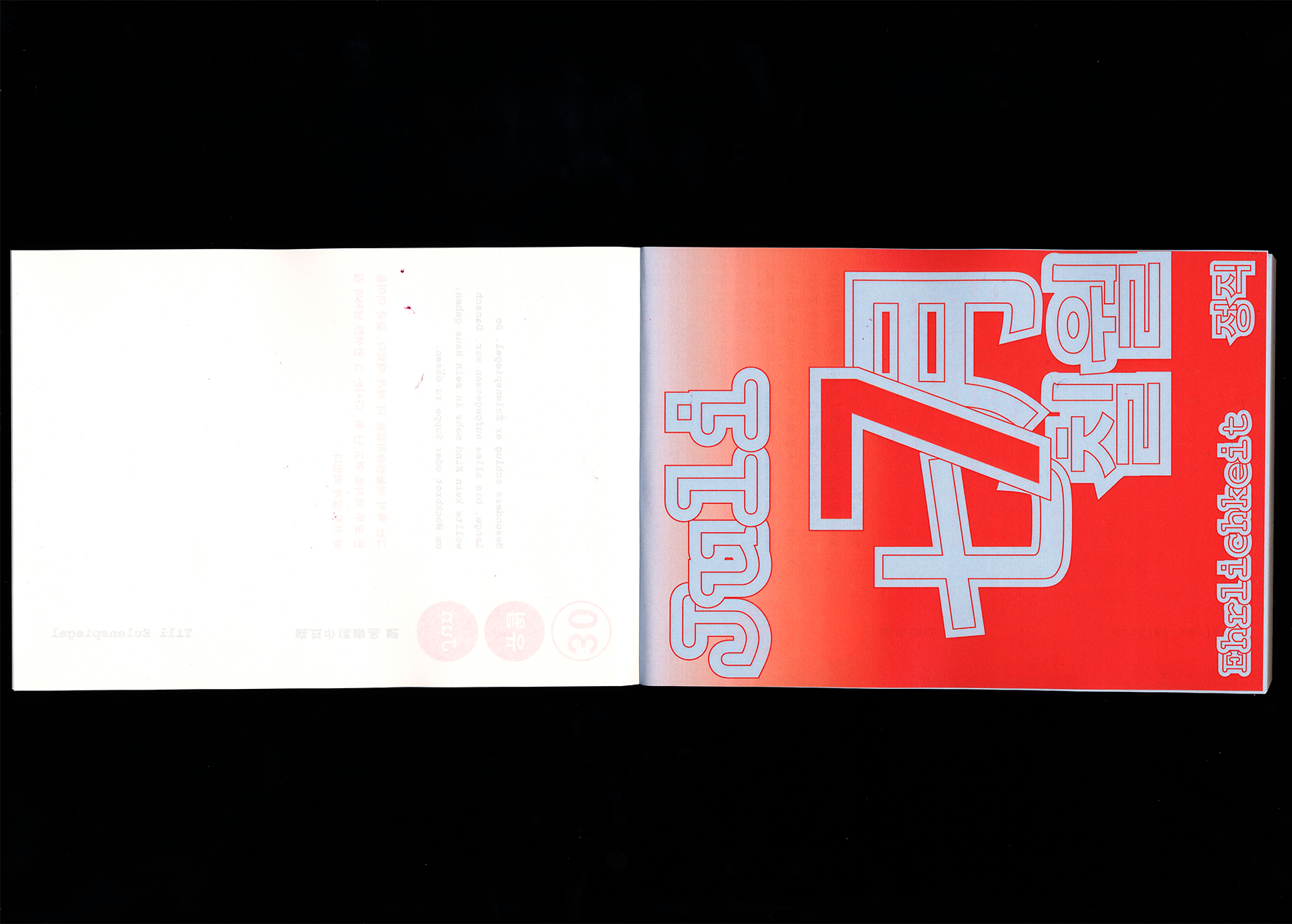
Each overarching theme spans two months, with one story
assigned to each month.
(On the web) The original text
and the translation are layered on top of each other.
(On the web) A hover effect
reveals the translation, enabling direct and intuitive
learning.
(In print) A5 tear-off
calendar format.
(In print) Each day features a
single paragraph in the original language (in black at
the top) with the corresponding translation below (in
red).
The overlapping logic of the website was deliberately
omitted in the print version to ensure readability. Instead,
the learning process is simulated through the daily focus on
a single paragraph and the direct comparison of original
text and translation.
DoublespreadDoublespread
Technical implementation
In VS Code: HTML and CSS for structure and design
paged.js for automatic PDF generation
Conclusion
The project combines cultural exchange and language learning.
The combination of an interactive website and an automated print
product demonstrates how digital content can be systematically
processed and transferred into an analog format. Language is not
learned in isolation, but experienced through narrative and
visual contexts.
Marei Hager & Ellinor Gockel
Rabbit Hole
About
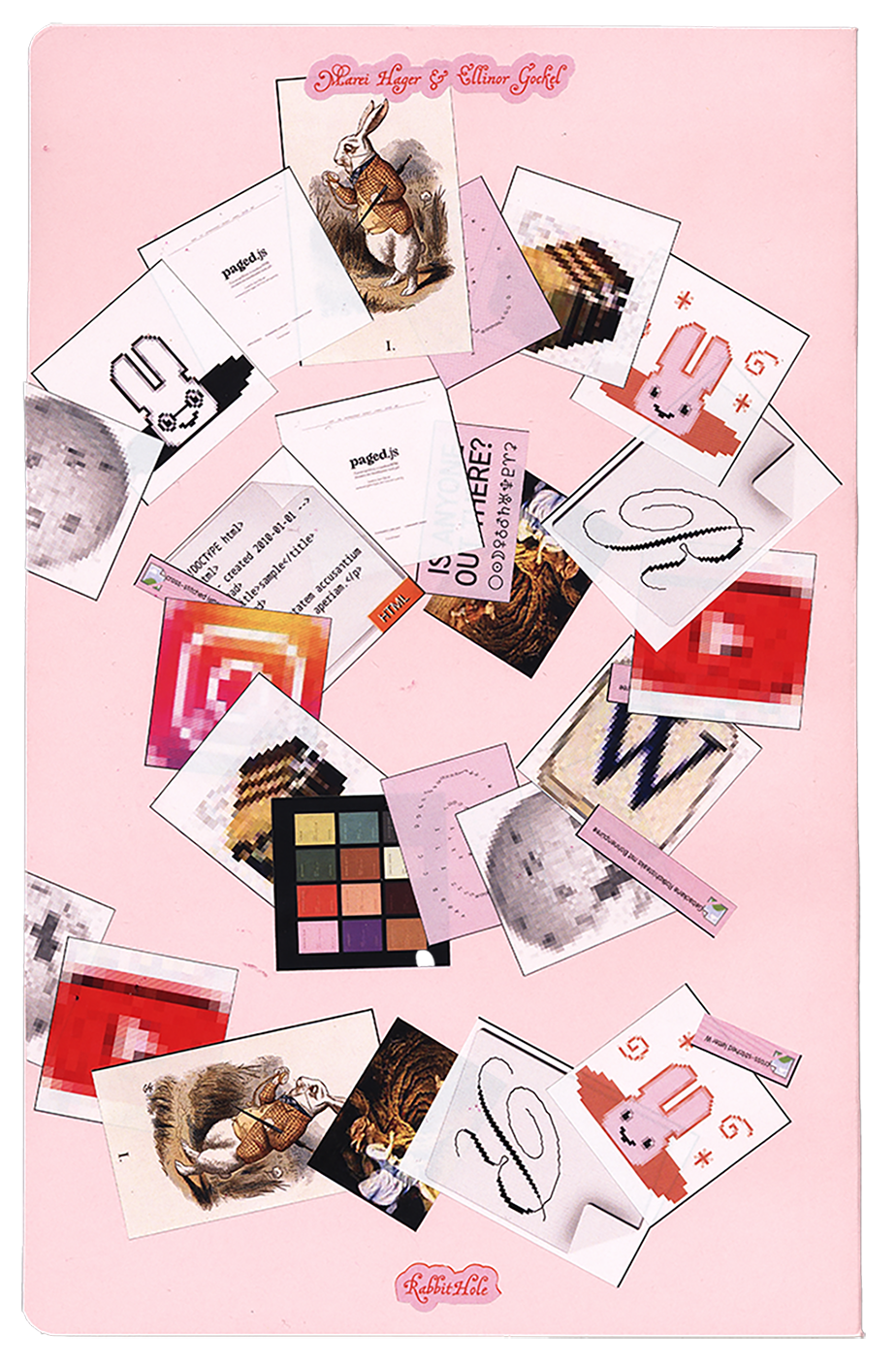
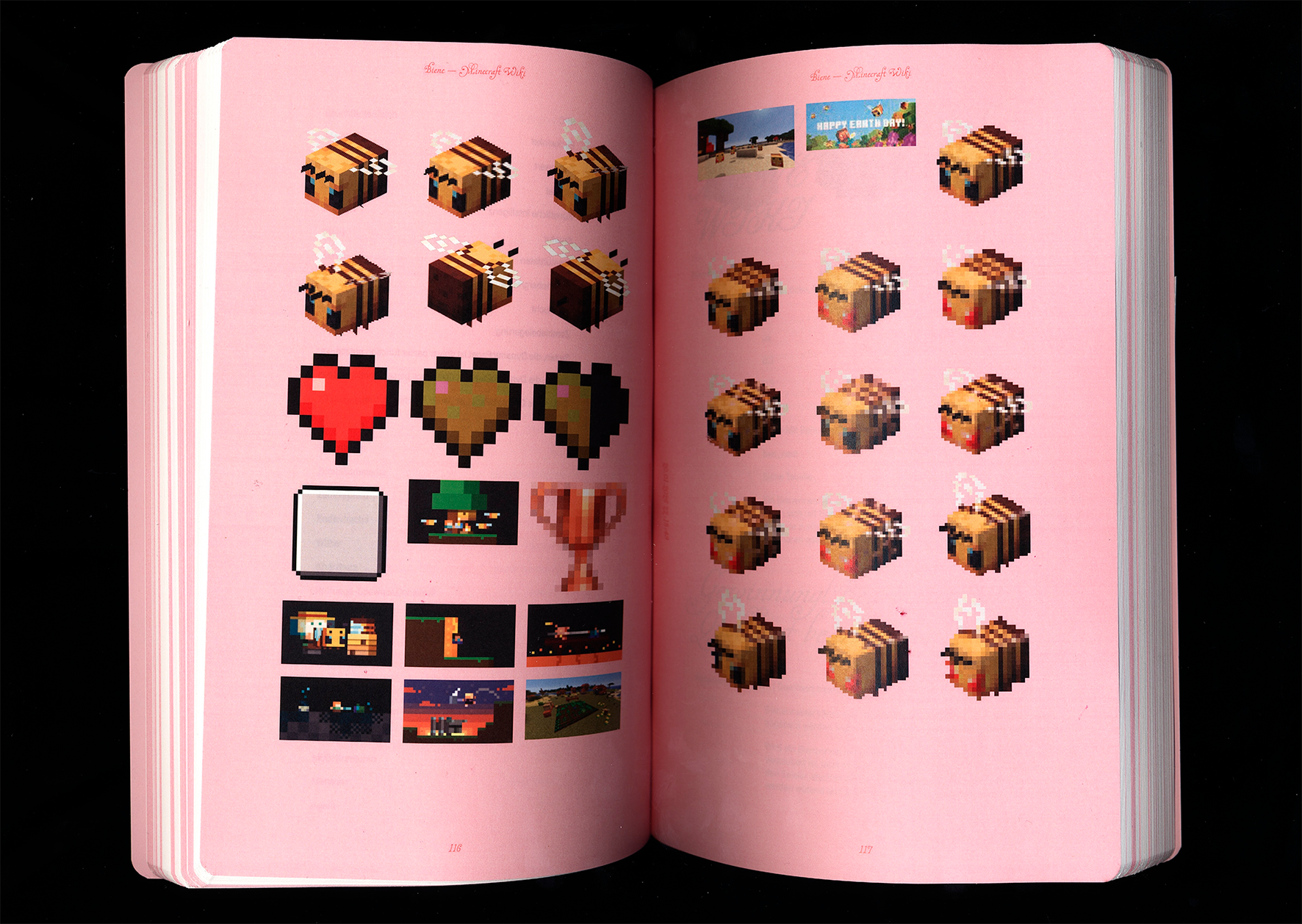
“Rabbit Hole” describes exactly what it is: a rabbit hole.
With the help of a browser plug-in, users can record their
personal rabbit hole with a click, save it as a PDF, and/or
print it out directly. Content such as text, images, video
thumbnails, GIFs, and emojis are automatically transferred
to a document. Since we, as the designers of the tool, have
no influence on the content, the design was made as
universal as possible so that it works for any type of
content.
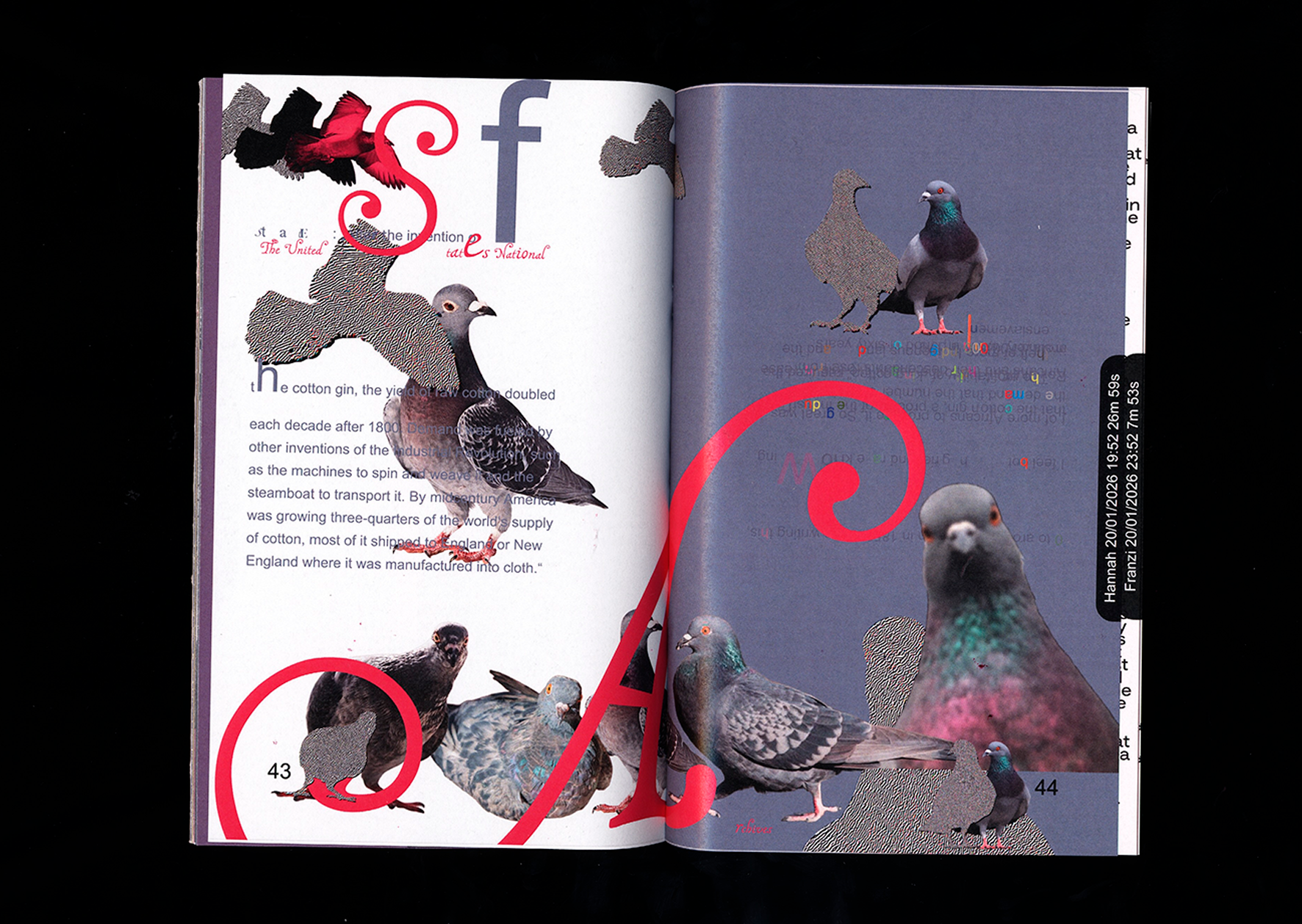
Detail
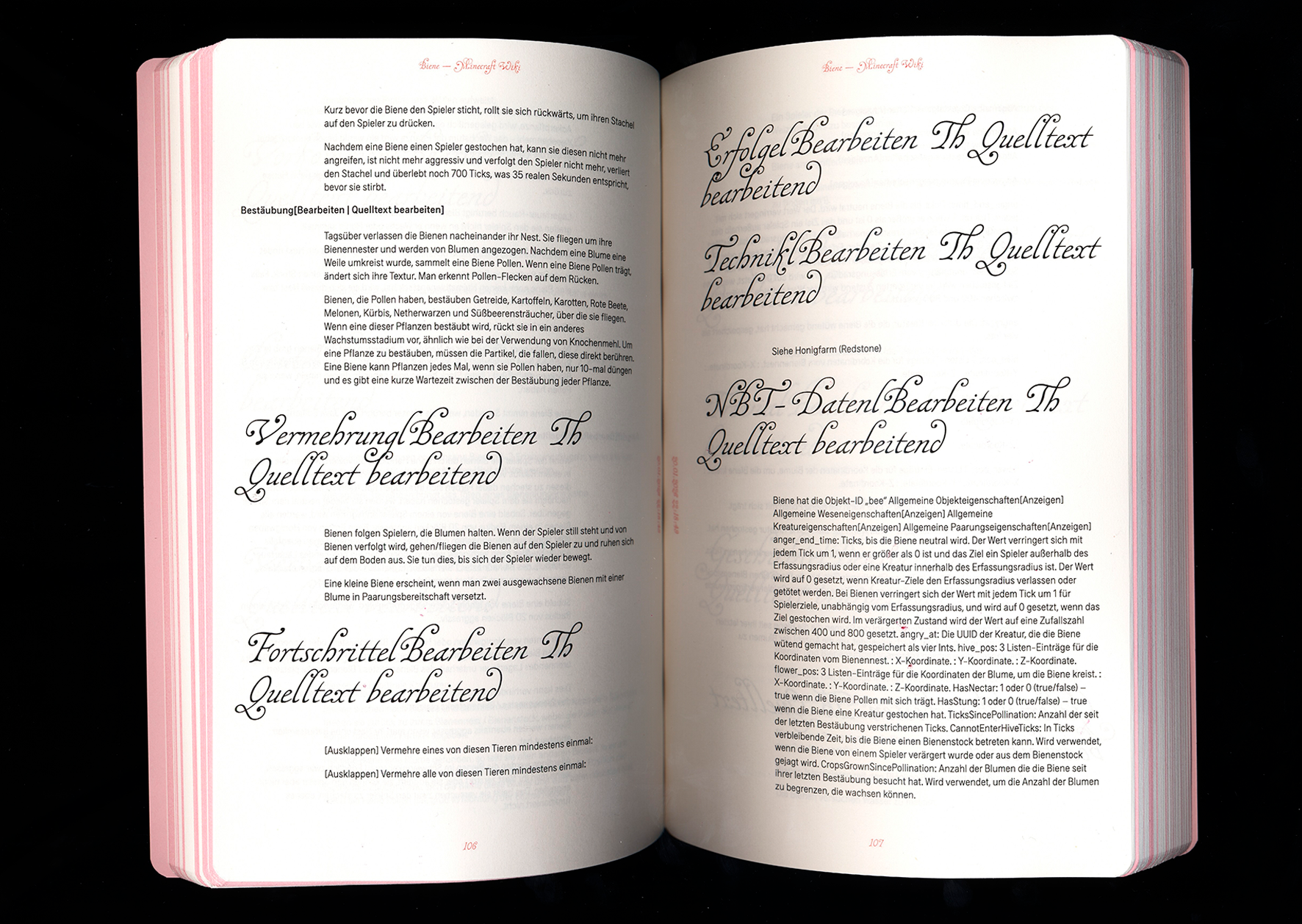
Design Rules
Image and text content are on separate pages.
Image pages have a pink background.
The title of a URL is in RYM font, subheadings in
MalaTesta, and body text in Erika.
The title of the respective URL also appears in the
column title.
The timestamp (date, hour, minute, and second) at which
the respective website was visited is displayed at the
inner edge of the page, rotated by 90°.
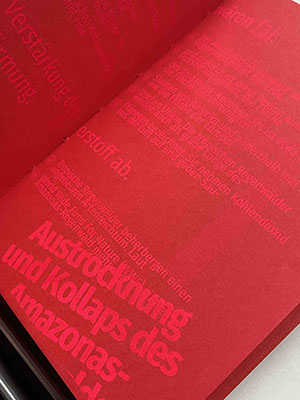
Column titles, page numbers, and timestamps are set in
red font.
The text field of the body text is slightly indented to
the right so that the distance to the right margin is
greater than to the left.
DoublespreadDoublespread
Technical implementation
VS Code was used for the project.
HTML, CSS, and JavaScript for design, basic structure,
and functions
Imposition.js and paged.polyfill.js to create a spread
view and make the document printable
manifest.json for creating the browser plug-in
In addition to the more playful version with different fonts and
a pink-red color scheme, there is also a reduced version. This
is in black, white, and gray and uses only the Erika font in
different styles.
Conclusion
The technical implementation of the plug-in worked very well.
Test prints are an important part of the process—in retrospect,
we could have done more of them. At the same time, mistakes gave
rise to new ideas, some of which worked even better than the
original approaches.
Kristina Busch & Tobi Anspach
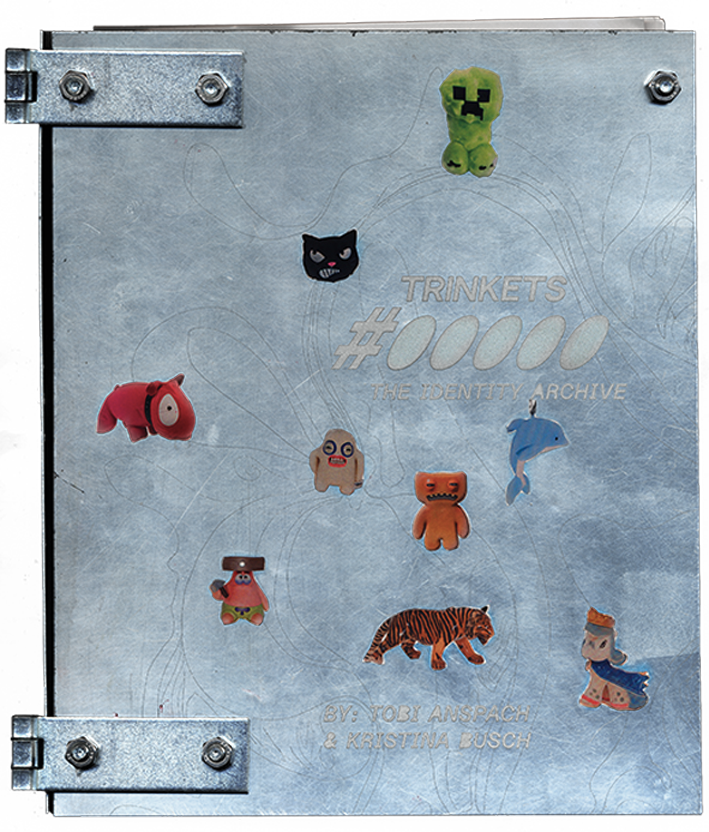
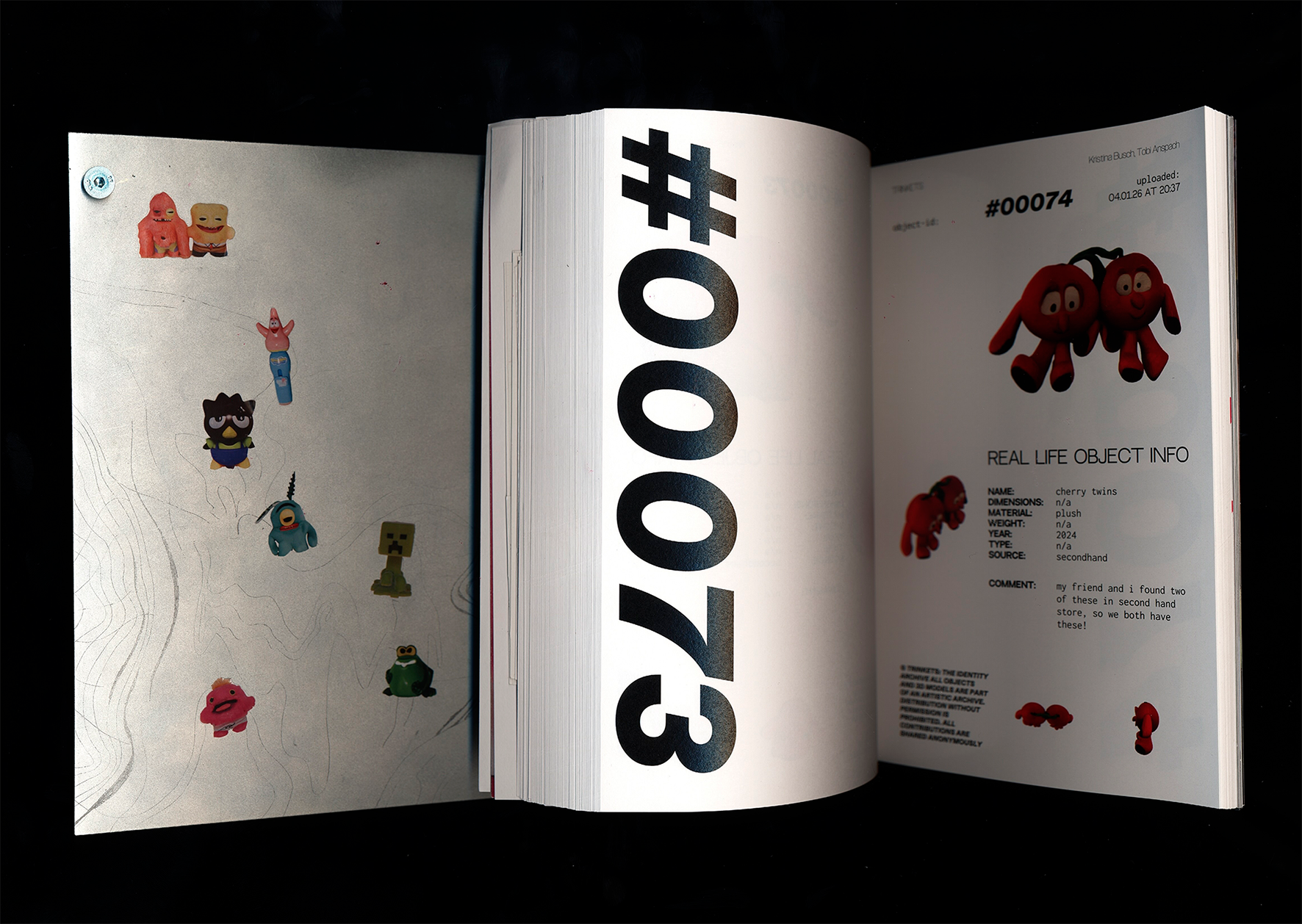
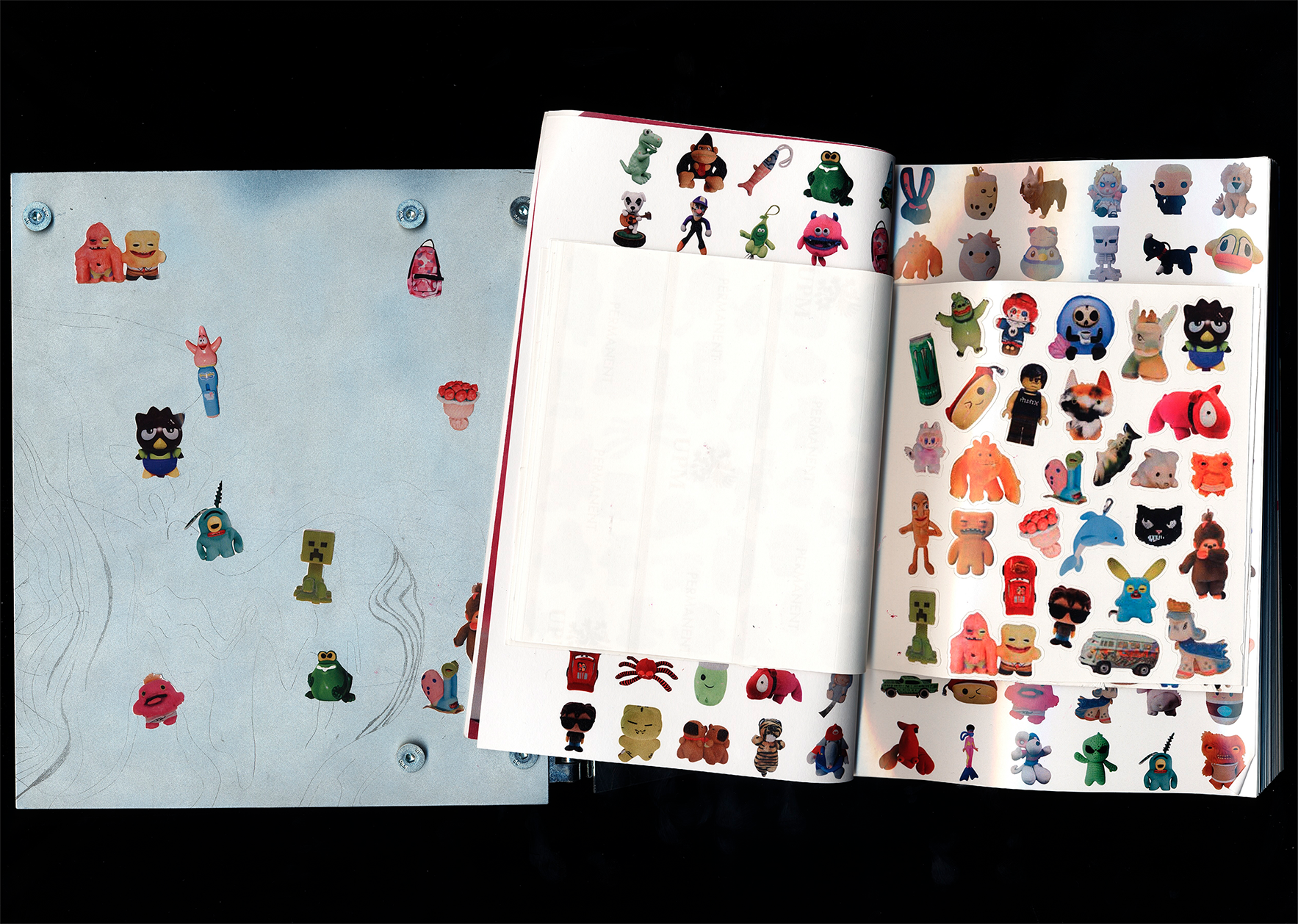
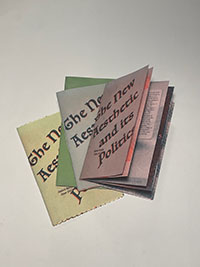
Trinkets #00000
The Identity Archive
About
Trinkets is an archive for personal, subjectively valuable
objects. Users upload photos of small everyday items and share
their significance, creating a digital archive that makes
identity visible through seemingly “worthless” things. An AI
transforms the photos into 3D models, translating memories into
new technical forms. The collection is interactive: each
participant can browse the archive and later 3D-print their own
objects.
Detail
Design Rules
Treat every object as an individual memory.
AI generates 3D models that reinterpret, not replicate,
the original object.
Layout displays object information clearly next to the
visualization.
Users can only select and print their own objects.
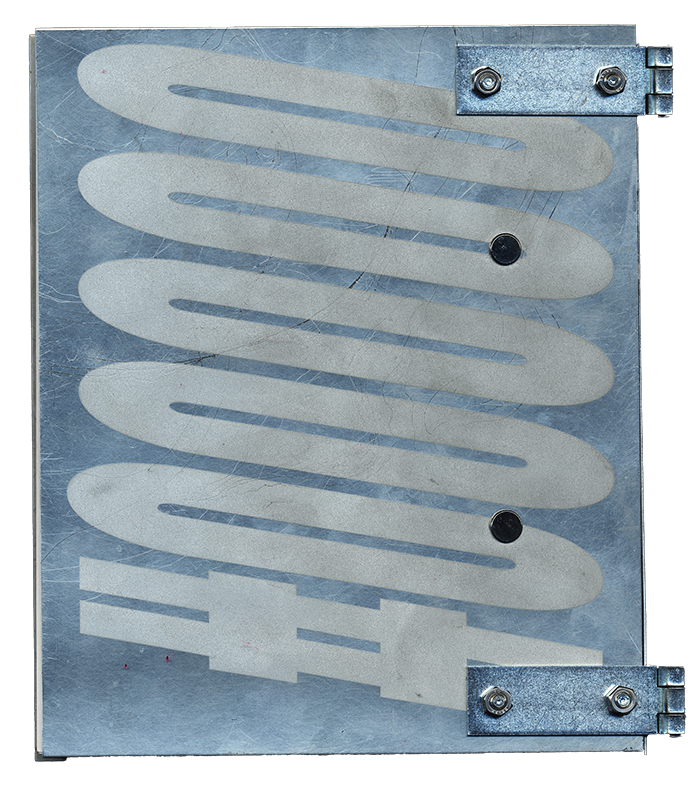
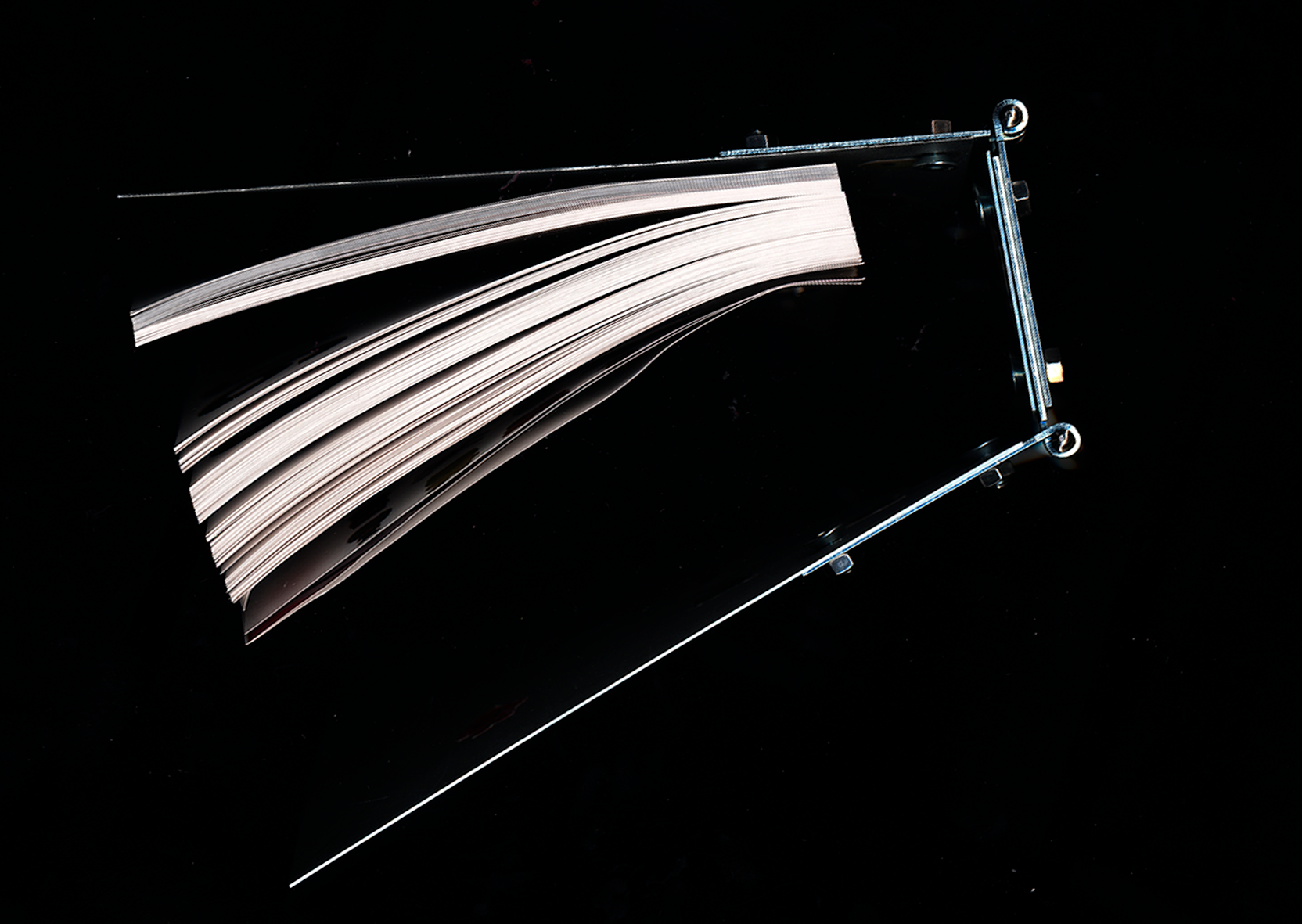
Physical book object contrasts external protection with
internal everyday significance.
Trinkets makes the subjective value of everyday objects visible
and translates personal memories into interactive digital and
physical experiences. The project merges design, technology, and
participatory archiving in a novel way.
Sligoil Micro
Design: Ariel Martín Pérez, Đông Trúc Nguyễn
Course
The Automatic Book Alexander Roidl (Interim Professorship
in Communication Design)
& Johannes Bergerhausen
(Professorship in Typography and Book Design)
Mainz University of Applied Sciences
Design & Implementation
Felix Stadler Marcos,
Sophie Kunle
&
Annabel Scheffler


.png)